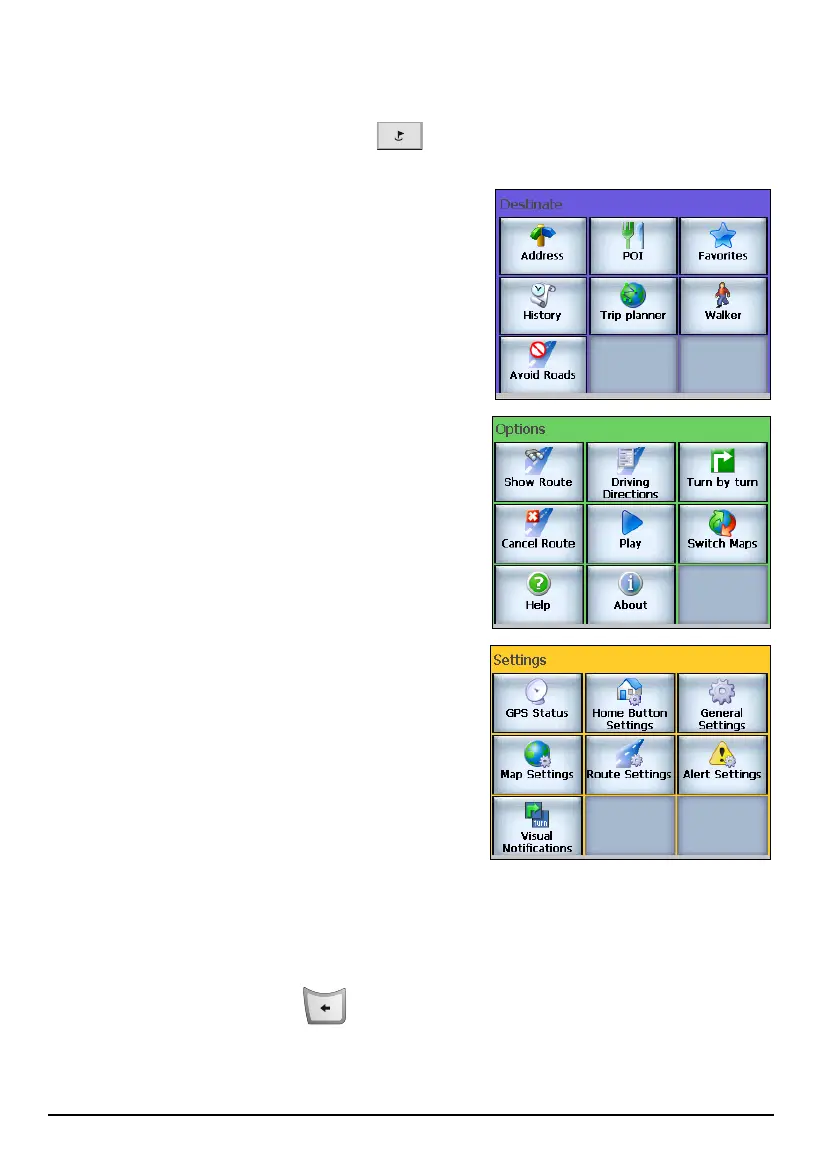
4.4 Navigation Settings Menus
Press the Navigation Settings button
repeatedly to cycle through Destinate,
Options, and Settings menus.
Destinate Menu
Provides ways and options for selecting
your destination.
Options Menu
Provides route and map options.
Settings Menu
Allows you to customize Mio Map settings.
4.5 Quitting Mio Map
Always quit Mio Map when you have finished using the program.
To quit, tap the Back button
on your device and tap Yes.
36



 To Next Page