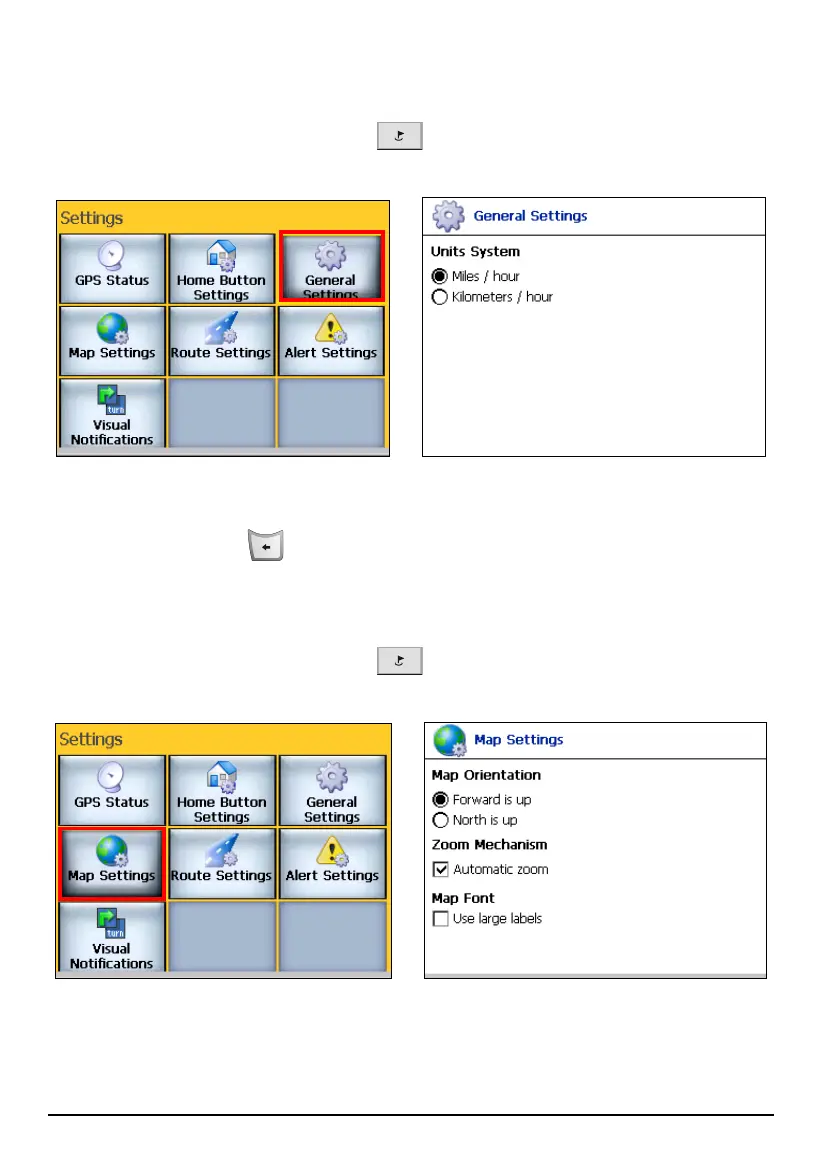
8.3 General Settings
Press the Navigation Settings button three times and tap General Settings to
choose the unit of measurement for your route.
You can select Miles/hour or Kilometers/hour to display distances.
Press the Back button
to exit and save any changes you have made.
8.4 Map Settings
Press the Navigation Settings button three times and tap Map Settings to
access the following settings:
81



 To Next Page