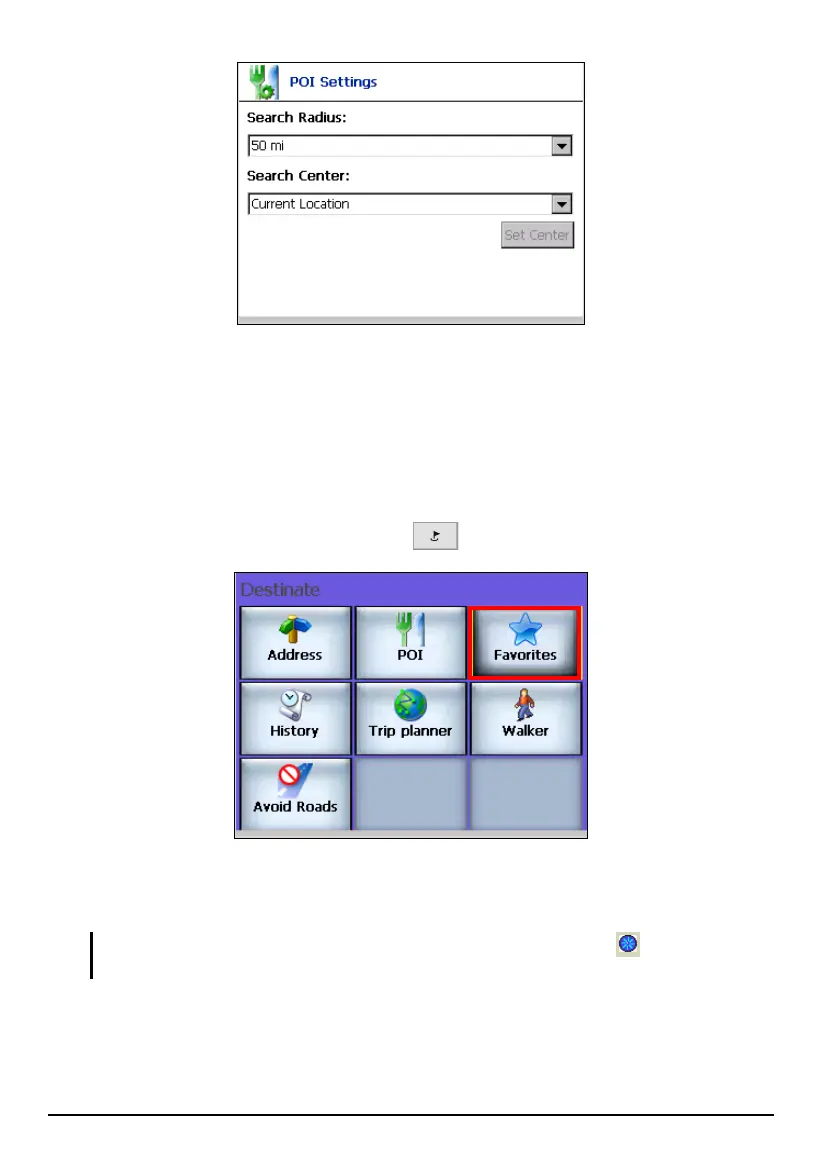
Using Favorites
Favorites is a collection of locations previously stored by you for future use. (See
Section 6.3 for information on creating Favorites.)
You can select a destination from the list of stored
Favorites.
1. Press the Navigation Settings button
once and tap Favorites.
2. In the category list, tap (highlight) the desired category name (not the check
box).
NOTE: A check mark () before a category means the Favorites icons will display on the
map.
45



 To Next Page