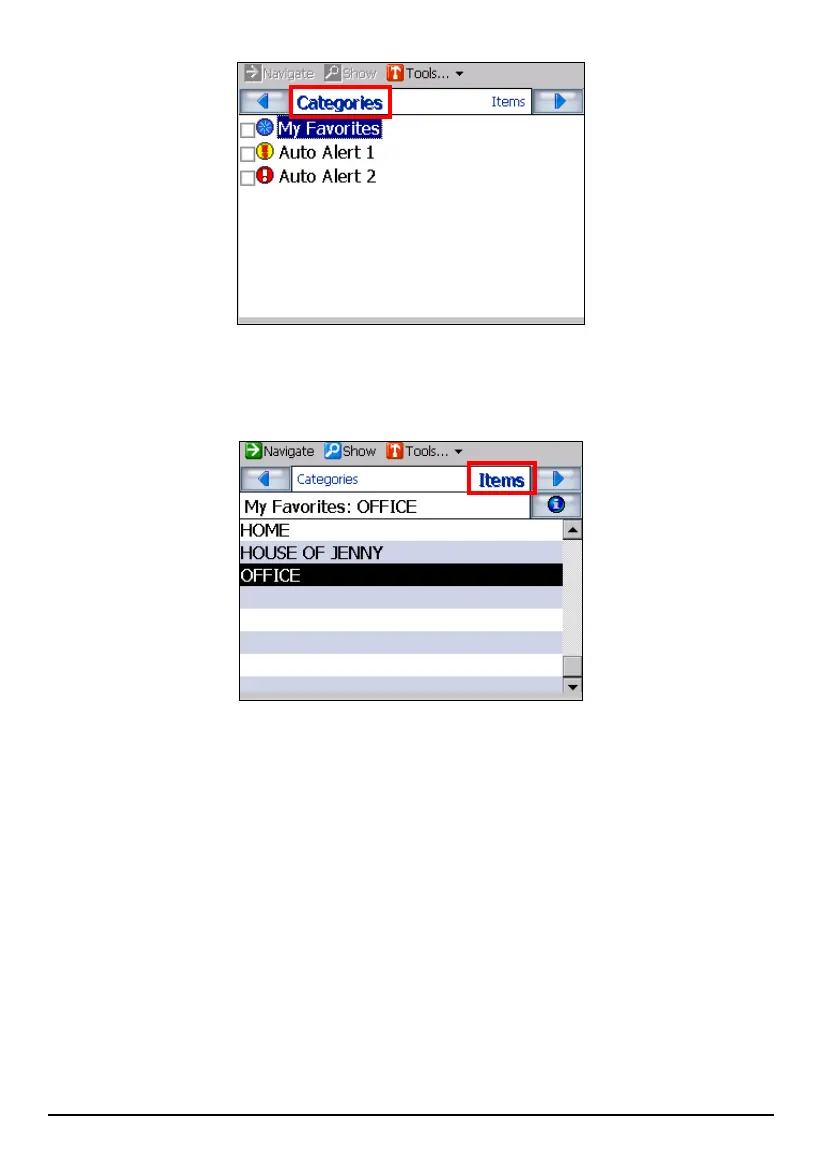
3. Tap
Items. The favorite items for the selected category are listed.
4. Tap (highlight) the desired item.
5. You can preview your destination by tapping
Show (top toolbar).
6. To calculate the route, tap
Navigate (top toolbar). The route is shown as a
highlighted blue line starting from your origin to your destination. (See section
5.3 for more information.)
46



 To Next Page