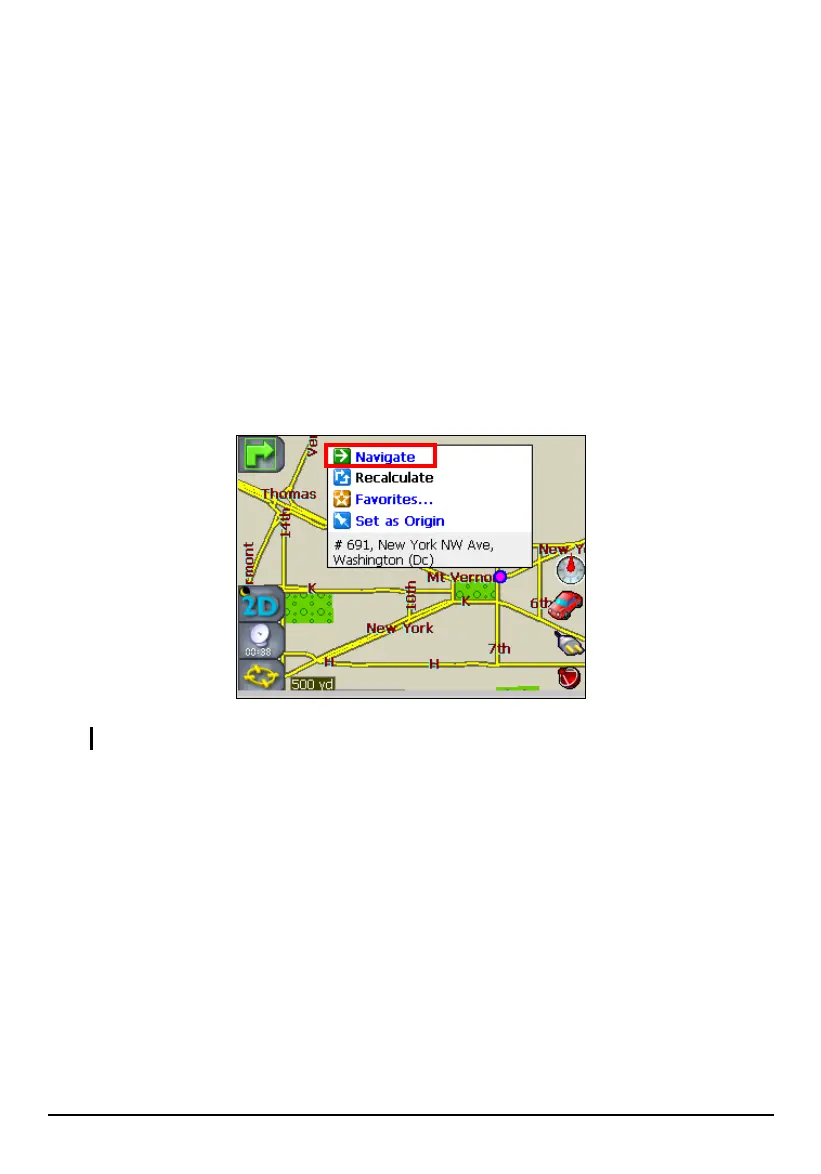
Using Map Cursor
Map Cursor means using the stylus to pinpoint a location on the map and then
view details, set as origin, save the location to Favorites or initiate navigation to
the location.
Navigate to Map Cursor is especially handy when you want to navigate to a
physical location, facility, or attraction by its location on the map rather than by its
street address.
1. Use the stylus to drag the map to a specific location or intersection of your
choice.
2. Tap and hold the location with your stylus until the Map Cursor pop-up menu
appears.
NOTE: To clear the pop-up menu, just tap the screen anywhere besides the menu.
3. Tap Navigate on the pop-up menu. The route is immediately calculated and
shown as a highlighted blue line from your origin. (See Section 5.3 for more
information.)
48



 To Next Page