NOTE:
MP3 Assistant automatically creates the folder (\ApplicationData\mp3\) needed for playing
MP3 files. If you are using other means rather than MP3 Assistant to copy MP3 files, make
sure that you create the folder \ApplicationData\mp3\ on your target device and copy the
MP3 files in this folder. MP3 Player will not detect MP3 files in other folders.
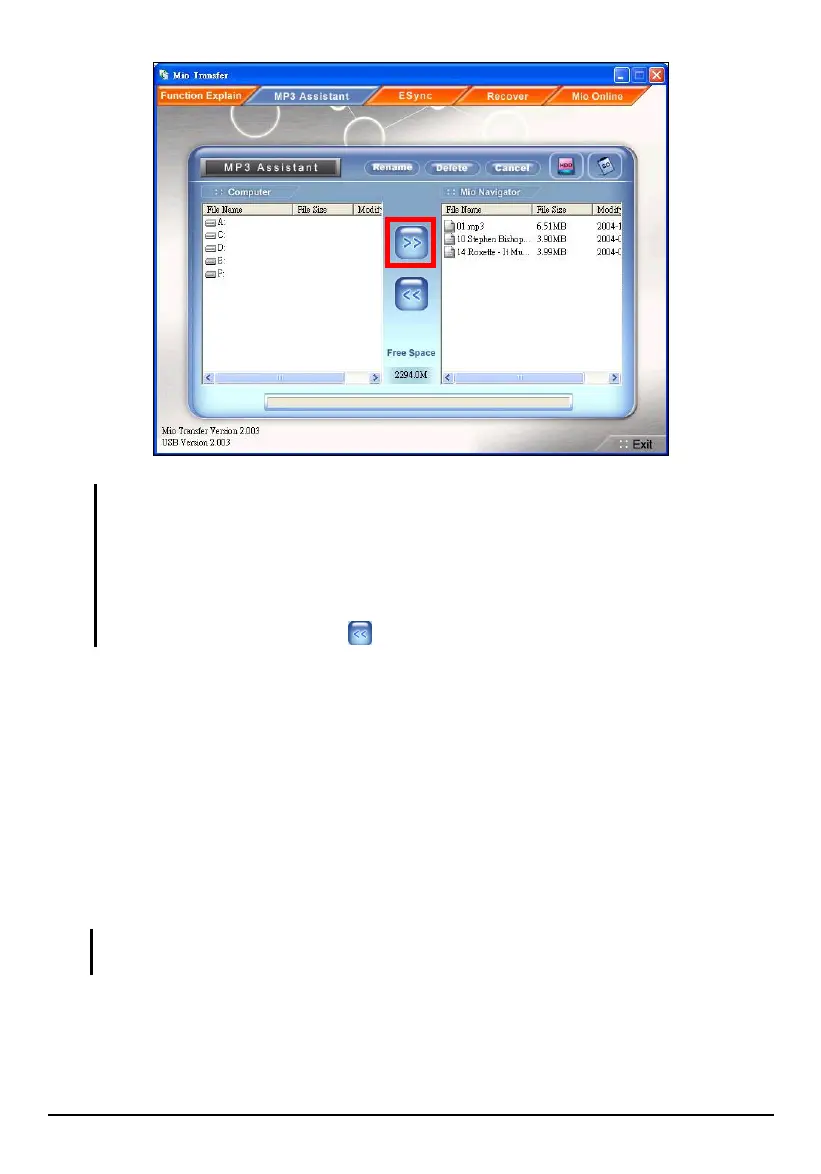
You can also copy the MP3 files from your device to your computer by selecting the file
from the right column and click .
Managing Your MP3 Files
On top of the MP3 Assistant screen are three buttons for management of files.
They are:
Rename
Changes the name of the selected file.
Delete
Removes the selected file.
CAUTION: Be discreet when you delete files. Deleting files for which you do not know the
functions can cause programs or features to malfunction.
Cancel
Aborts the ongoing data transfer.
100



 To Next Page