Route generation
Select Quickest route to allow Mio Map to calculate and to
estimate the best route based upon both shorter distance and
higher speed limits.
Select Shortest route to allow Mio Map to calculate the
route only considering the shortest distance.
U Turn Usage
Select U Turn enabled to allow U turns while calculating
the route.
Press the Back button
to exit and save any changes you have made.
8.6 Alert Settings
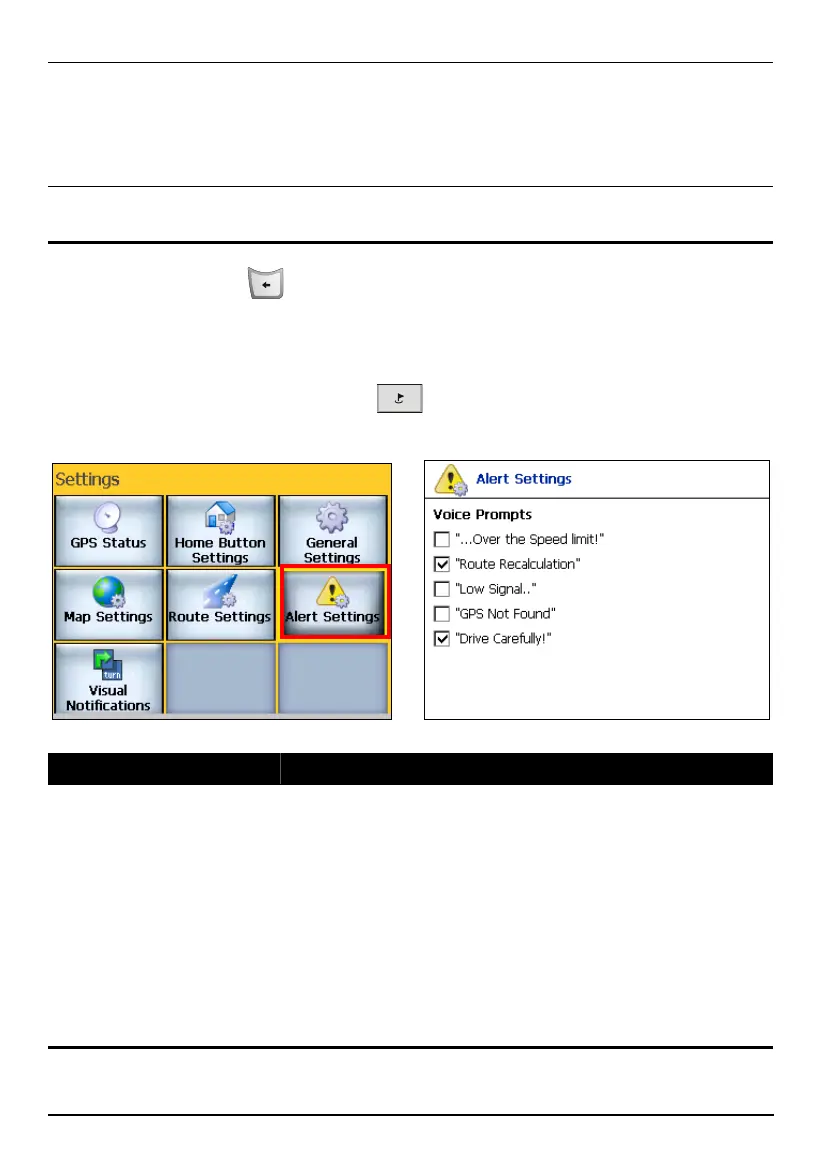
Press the Navigation Settings button three times and tap Alert Settings to
access the following settings:
Alert Settings Descriptions
Voice Prompts
Select the item(s) you want to hear:
“…Over the Speed limit!” – gives you a voice reminder
when your car exceeds the speed limit on this section of the
road.
“Route recalculation” – gives a voice prompt that Mio Map
will automatically recalculate new route.
“Low signal..” – Warning that you are in an area of low
signal.
“GPS Not Found” – Alerts you if GPS signal is lost.
“Drive Carefully” – Friendly reminder at the start of each
journey.
83



 To Next Page