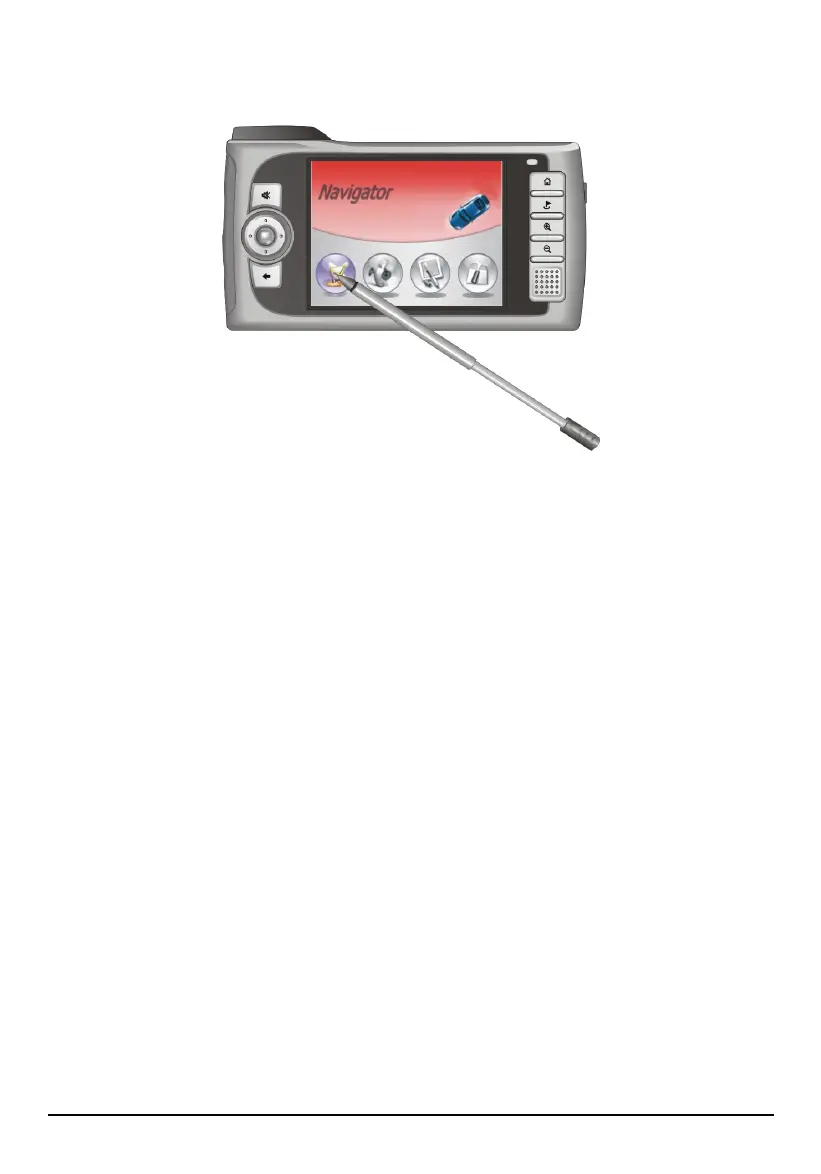
Using the Stylus
The stylus is your input device. You use it to navigate and select objects on the
screen.
Pull the stylus out of the slot and extend it for ease of use. Store it in the slot when
not in use.
You can use the stylus to do the following actions:
Tap
Touch the screen once with the stylus to open items or select options.
Drag
Hold the stylus on the screen and drag up/down/left/right or across the screen.
Tap and hold
Tap and hold the stylus until an action is complete, or a result or menu is
shown.
16



 To Next Page