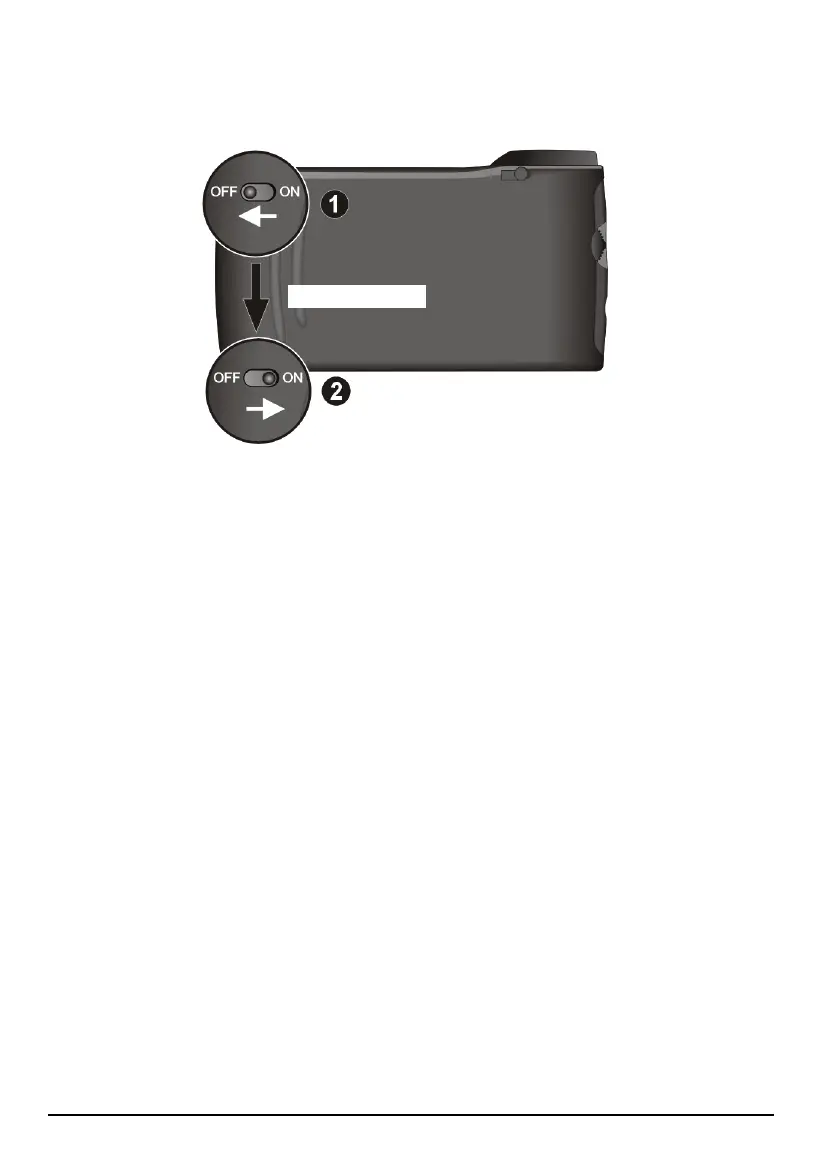
2. Use the stylus to slide the ON/OFF switch to the OFF (left) position.
3. Wait for 1 minute and then slide the switch back to the ON (right) position.
Wait for 1 minute.
4. Your device turns on and displays the initial start up screen. Complete the
settings as described in section 1.1.
12.2 Troubleshooting
Power Problems
Power does not turn on when using battery power
The remaining battery power may be too low to run your device. Connect the
AC adapter to your device and to AC power. Then, turn on your device.
Warning Screen
A temperature warning screen appears and your device stops operating
When the device temperature drops to around -5°C (23 °F), a warning screen
will appear and remain, preventing you to use your device any more. This is a
protection mechanism against the malfunction of the hard drive in extreme low
temperature. When this happens, you can move the device to a warmer place.
The device will then automatically restart once its temperature rises to a
working range. If you ever turned off the device, simply turn it on after the
device temperature is higher.
108



 To Next Page