Part 4. Calculate the Route
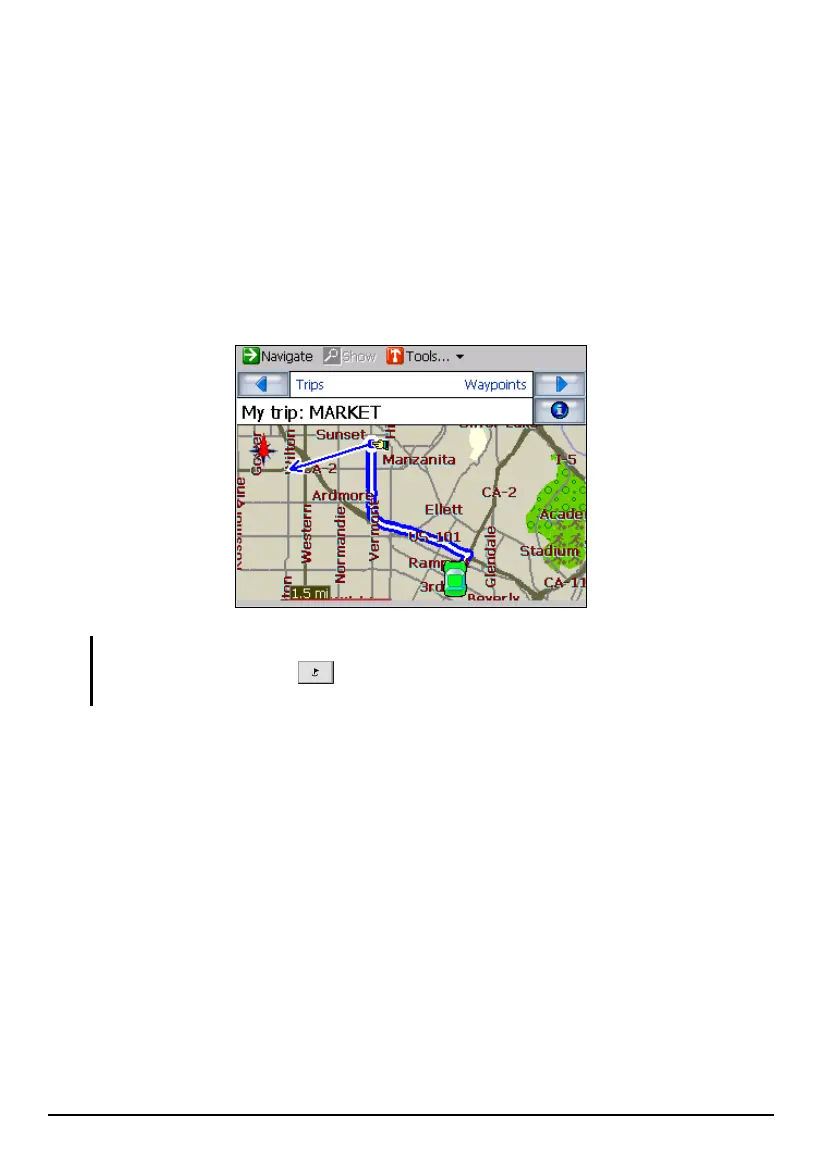
To calculate the route, tap Navigate (top toolbar).
The route is calculated in stages from the departure point to the first waypoint.
Once there, it recalculates to the second waypoint, and then recalculates for the
third waypoint and so on.
If you tap
Show, the first part of the route is shown with the normal blue double
lines, but the second, third and parts of the route (after the waypoints) are shown in
a series of single line vectors.
NOTE: To start the trip, remember to change back to Navigation mode by pressing the
Navigation Settings button
three times and tapping Route Settings Navigation
mode.
70



 To Next Page