NOTE:
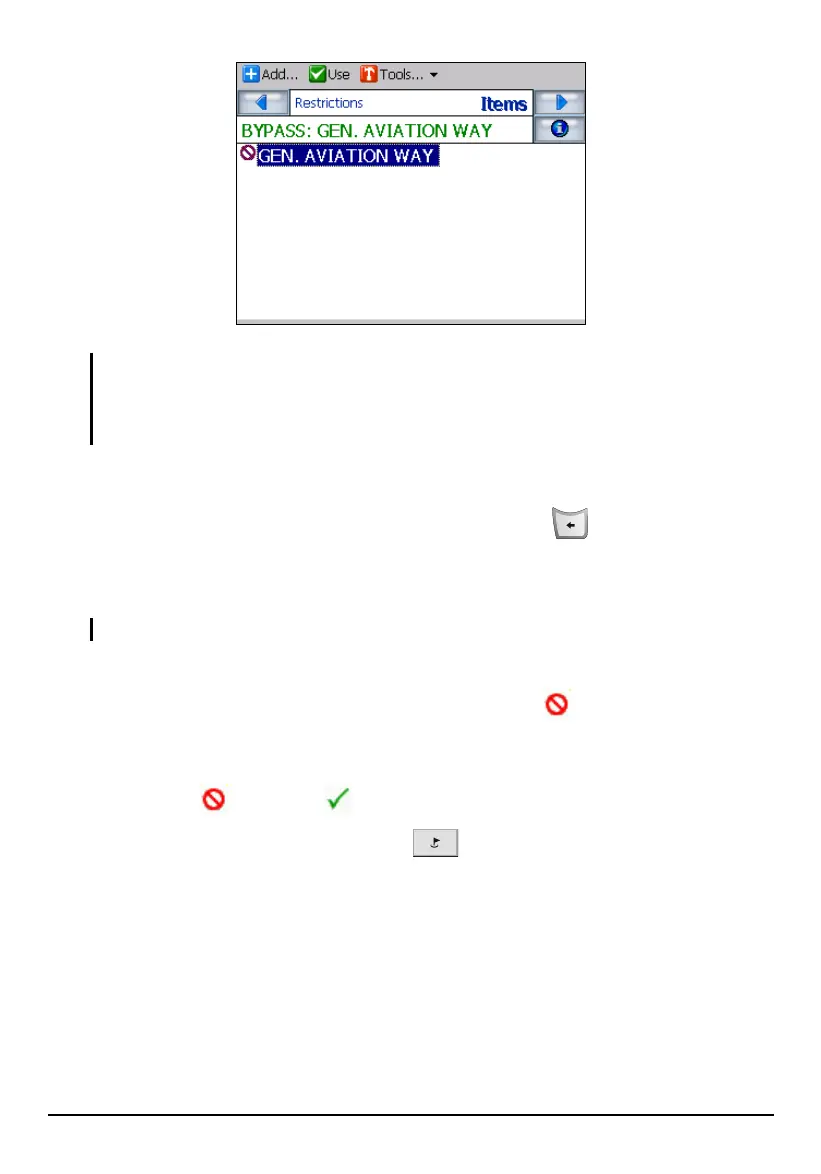
You can save the selected street to another category if you wish.
You can delete or edit a personal category or item using Tools on the top toolbar. (You
cannot delete or edit the predefined categories and items.)
9. If there is more than one road to avoid, repeat and enter all the streets.
10. To go back to the map screen, press the Back button
.
Selecting the Roads to Avoid
NOTE: By default, the Toll Road category is not avoided.
After creating the Avoid Roads list as described earlier, simply make sure that all
the streets, roads or highways you want to avoid have a before it. Then, Mio
Map will avoid the selected roads when calculating the route.
If you are not avoiding all the roads in your next route, you can change the attribute
of the road from
(avoid) to (use).
1. Press the Navigation Settings button
once and tap Avoid Roads.
2. To change the attribute of a category, tap (highlight) the desired category and
tap
Use or Avoid (top toolbar). The attributes of all the items in the category will
be changed accordingly.
58



 To Next Page