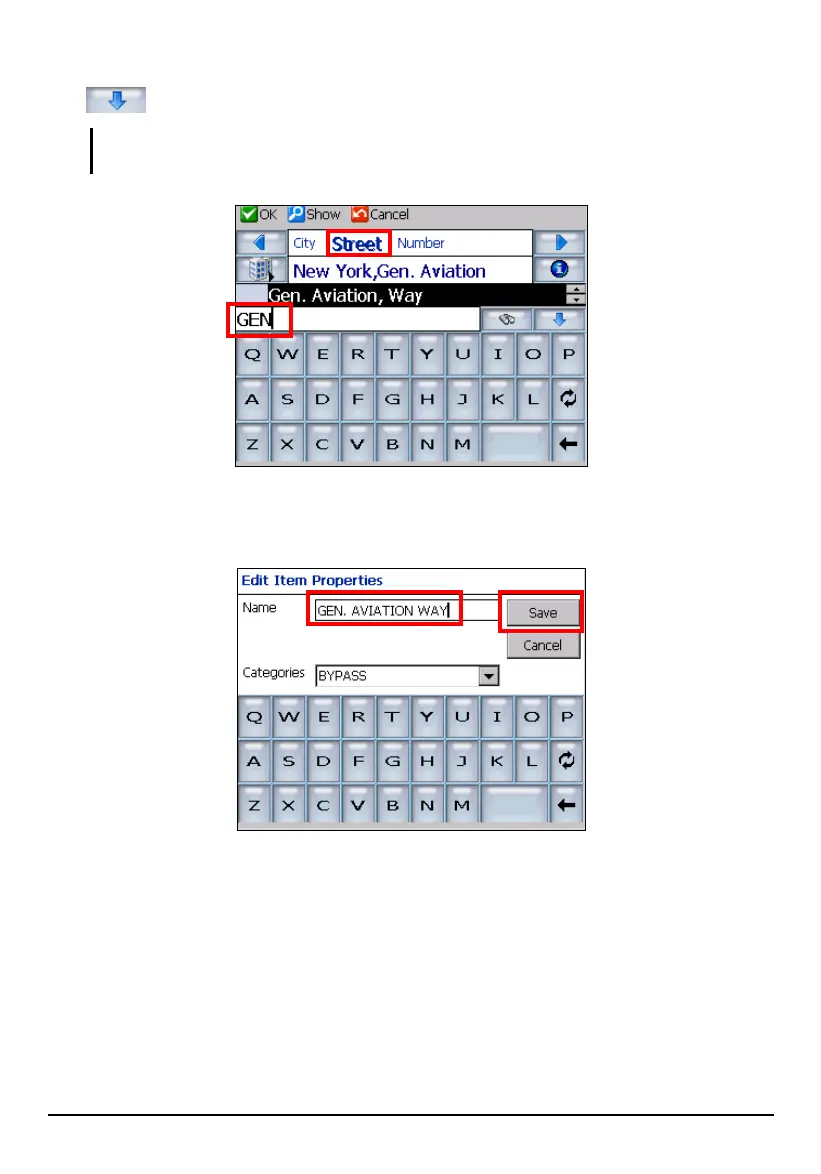
6. Tap Street and enter the street name using the soft keyboard. Or you can tap the
button to expand the scroll list and tap (highlight) the street name.
NOTE: If you make a mistake, tap Cancel (top toolbar) and repeat with the correct city and
street names.
7. Tap
OK (top toolbar). The “Edit Item Properties” screen appears. Enter a name
that helps identify the item.
8. Tap
Save to add the street to your list.
57



 To Next Page