6 More Navigation Features
Mio Map provides various tools for easier, flexible, and enhanced use of
navigation features.
6.1 Walker Mode
Walker mode is ideal when you are walking instead of driving. In Walker mode,
Mio Map calculates a route appropriate for pedestrians, avoiding highways and
freeways.
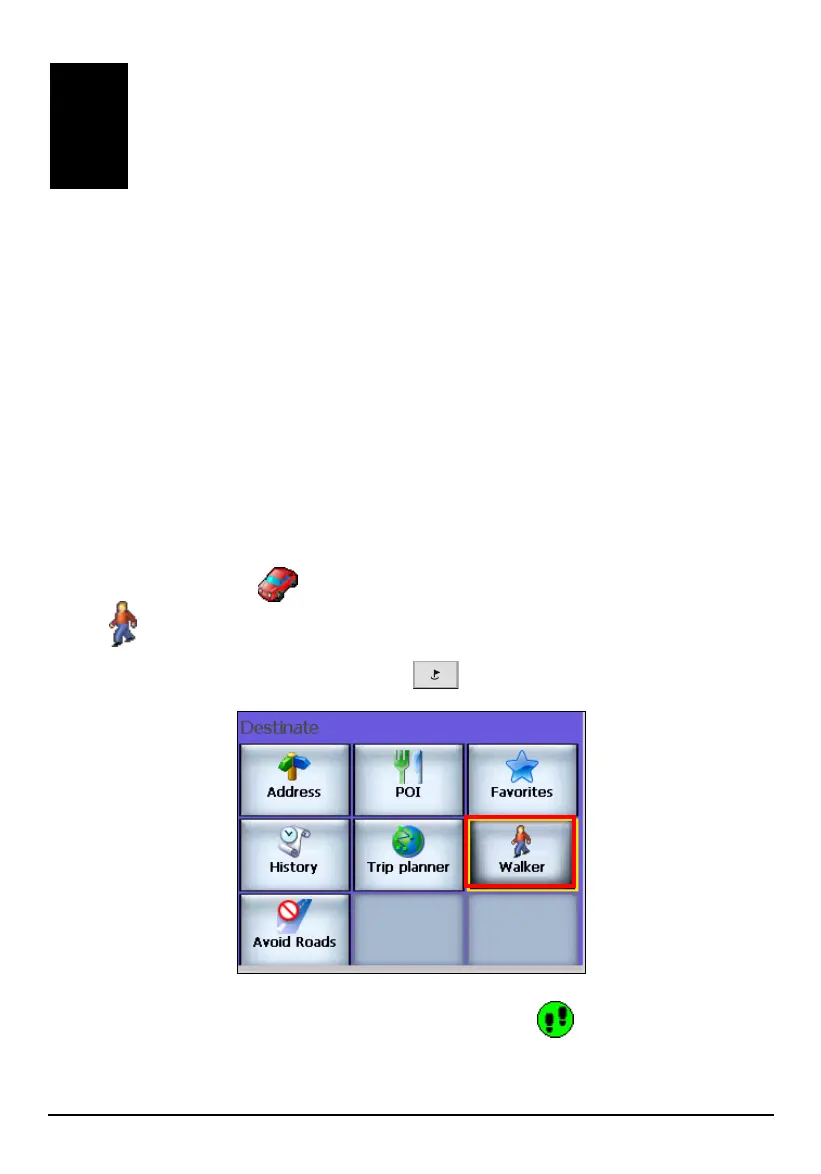
By default, Mio Map is in Navigation mode. To switch to Walker mode, use one of
the two methods:
Tap the status icon on the right side of the map screen. The icon changes
to
.
Press the Navigation Settings button once and tap Walker.
The icon of green car on the map changes to footsteps
.
53



 To Next Page