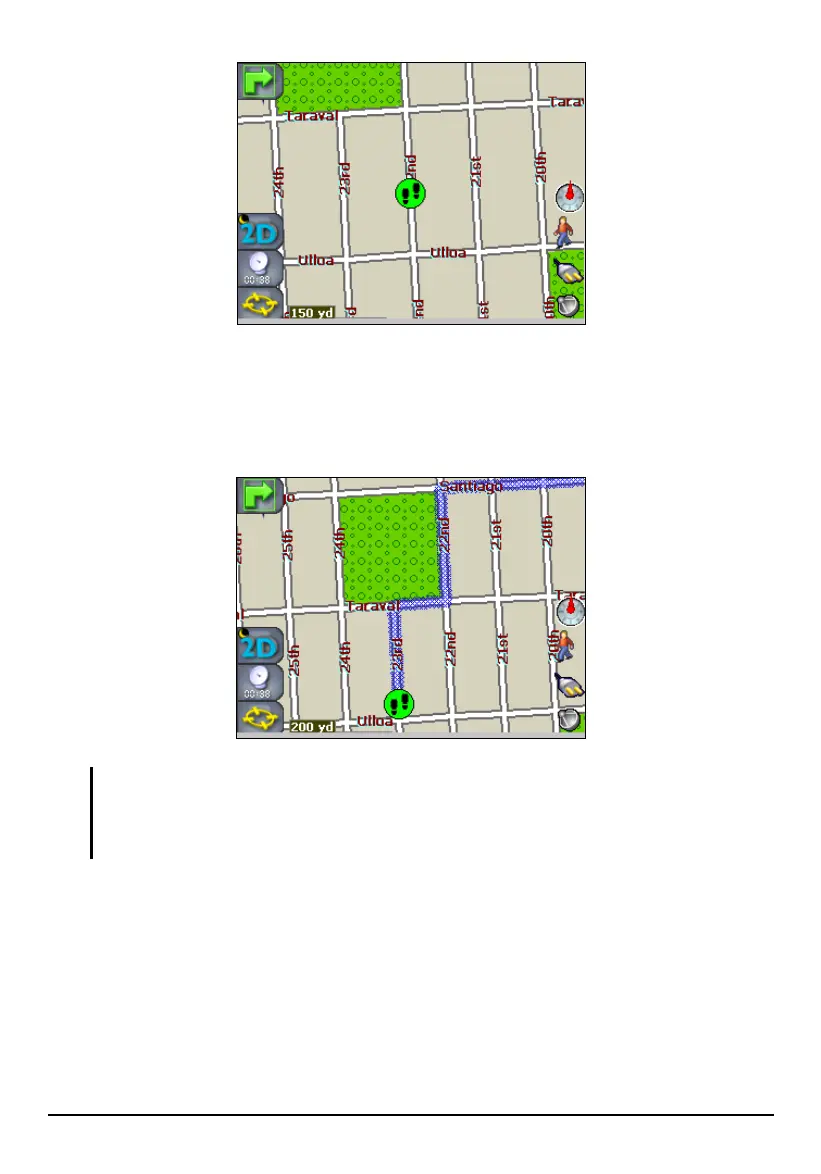
You can select a destination the same way as in Vehicle mode. When you tap
Navigate, Mio Map calculates a route and shows the route in a shaded blue line. You
can then follow the planned route on the map. Note that navigational aids such as
voice and visual prompts are not available in Walker mode.
NOTE:
In Walker mode, your destination is limited to within around 6 miles.
In Walker mode, the following navigation features are not available: Avoid Roads, Trip
Planner, Show Route, Driving Directions, and Turn by Turn.
54



 To Next Page