7. With a location selected, tap OK (top toolbar).
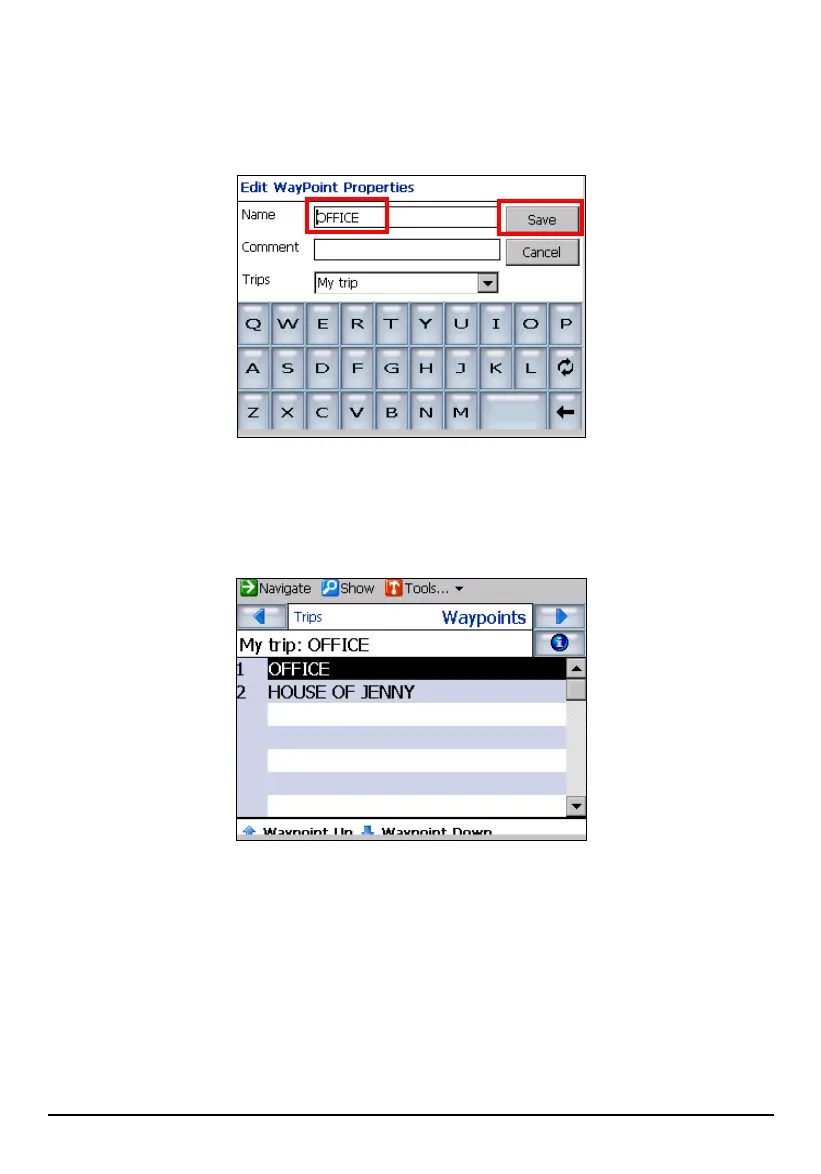
8. In “Edit Waypoint Properties” fields, enter a waypoint name or change the
default details and tap
Save to save the waypoint.
9. Repeat steps 5 to 8 to enter all the waypoints.
10. You can use
Waypoint Down or Waypoint Up to move the waypoints around to suit
your purposes or driving needs.
Or, you can tap Tools Optimize to automatically sort the waypoints in the
most effective and quickest route. Note that Optimize does not change the
position of the first (origin) or last (destination) items on the list.
11. You can tap
Show (top toolbar) to view the complete route.
69



 To Next Page