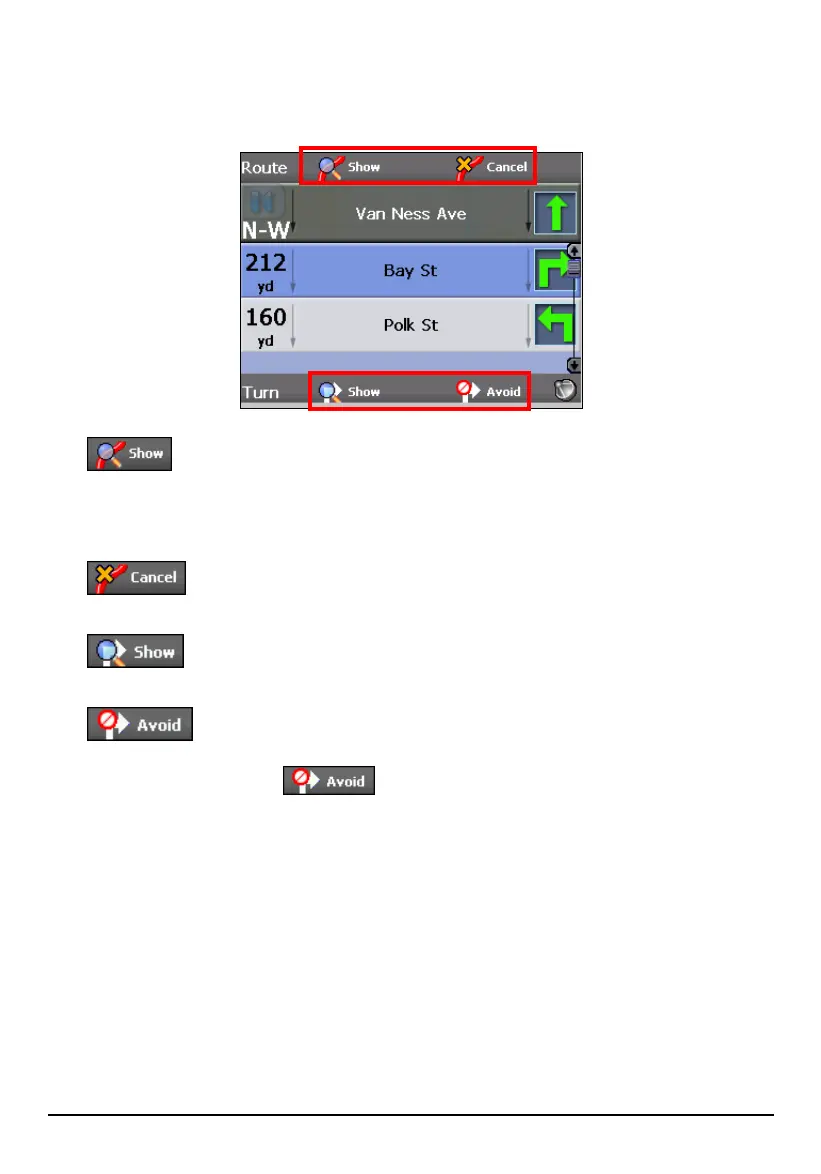
Route Options
The Driving Directions screen also gives you several route options.
Show Route
Displays the Sow Route screen. This screen displays your route on the map
screen in its entirety, plus details such as the address of your destination, the
ETA, and the ETR.
Cancel Route
Cancels and clears the route from the map screen.
Show Turn
Displays the Turn by Turn screen for the highlighted turn in the list.
Avoid Turn
Recalculates the route to exclude a particular turn. When you tap (highlight) a
turn in the list and tap
, the route is automatically recalculated and a
new route is displayed.
77



 To Next Page