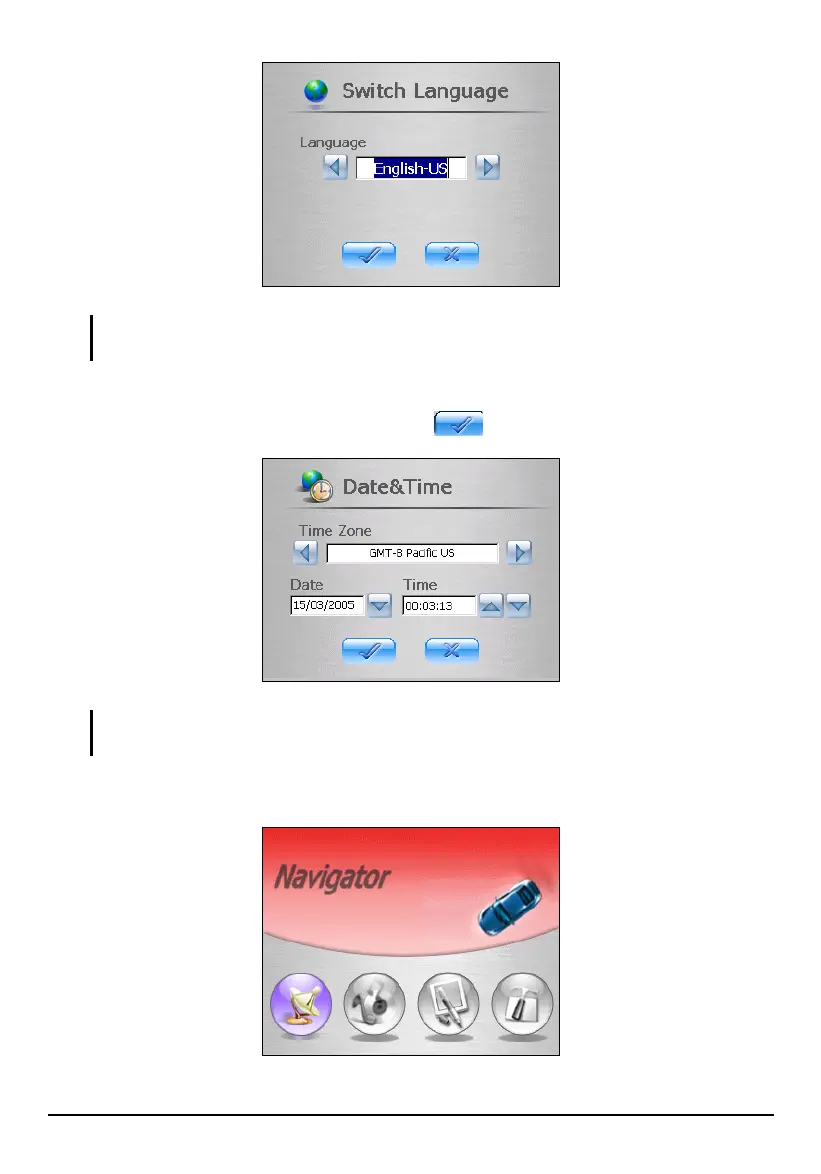
NOTE: If multiple languages are available, you can change the language later on by tapping
Setting Switch Language. (See section 3.6 for details.)
3. The “Date&Time” screen appears. Tap the appropriate arrow button to select
the time zone, date, and time. Then tap
to continue.
NOTE: You can change the time zone, date, and time later on by tapping Setting
Date&Time. (See section 3.5 for details.)
4. The Home screen appears as shown below. You can now use your device.
4



 To Next Page