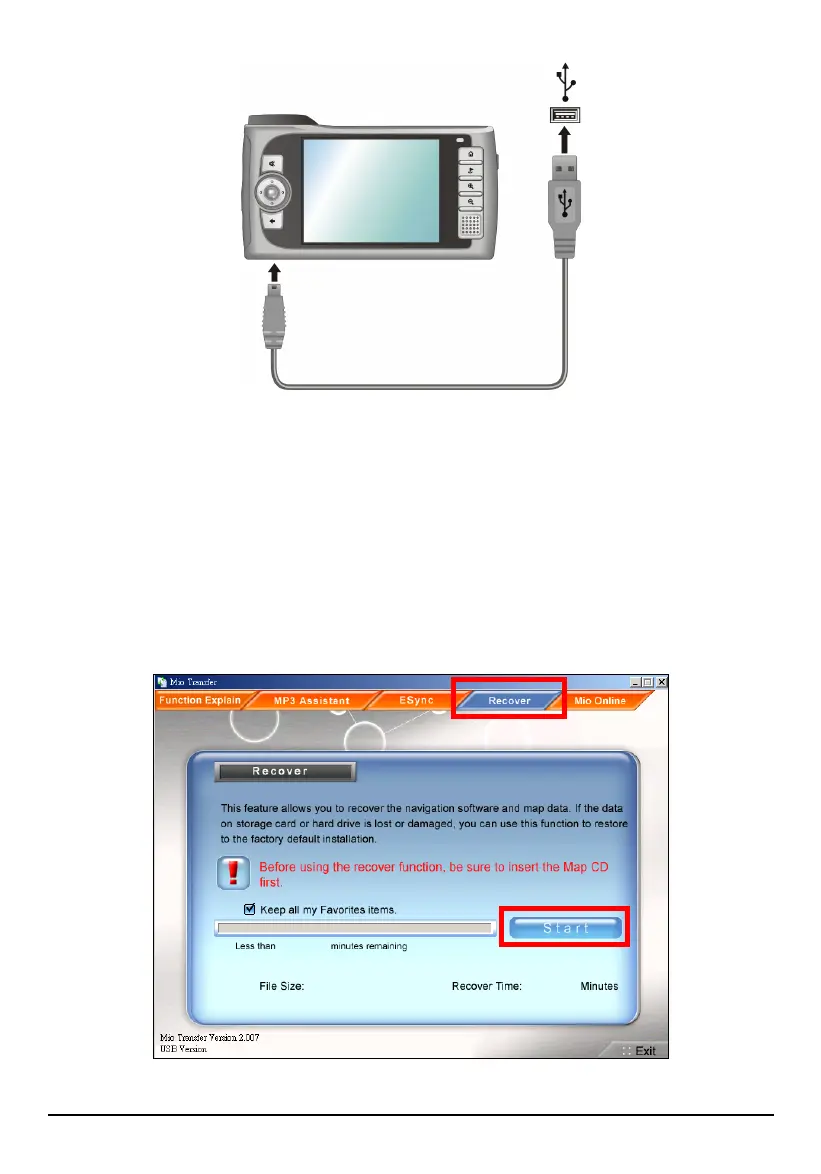
3. Start Mio Transfer by clicking Start Programs Mio Transfer on your
computer. The Mio Transfer screen appears.
4. Click
Recover on the top menu bar.
5. If you want to keep all your Favorites items that you created in Mio Map,
check the box besides “Keep all my Favorites items.”
6. Insert the Mio Map CD into the CD-ROM drive of your computer.
6. Click
Start to start the recovering process.
103



 To Next Page