Map Views
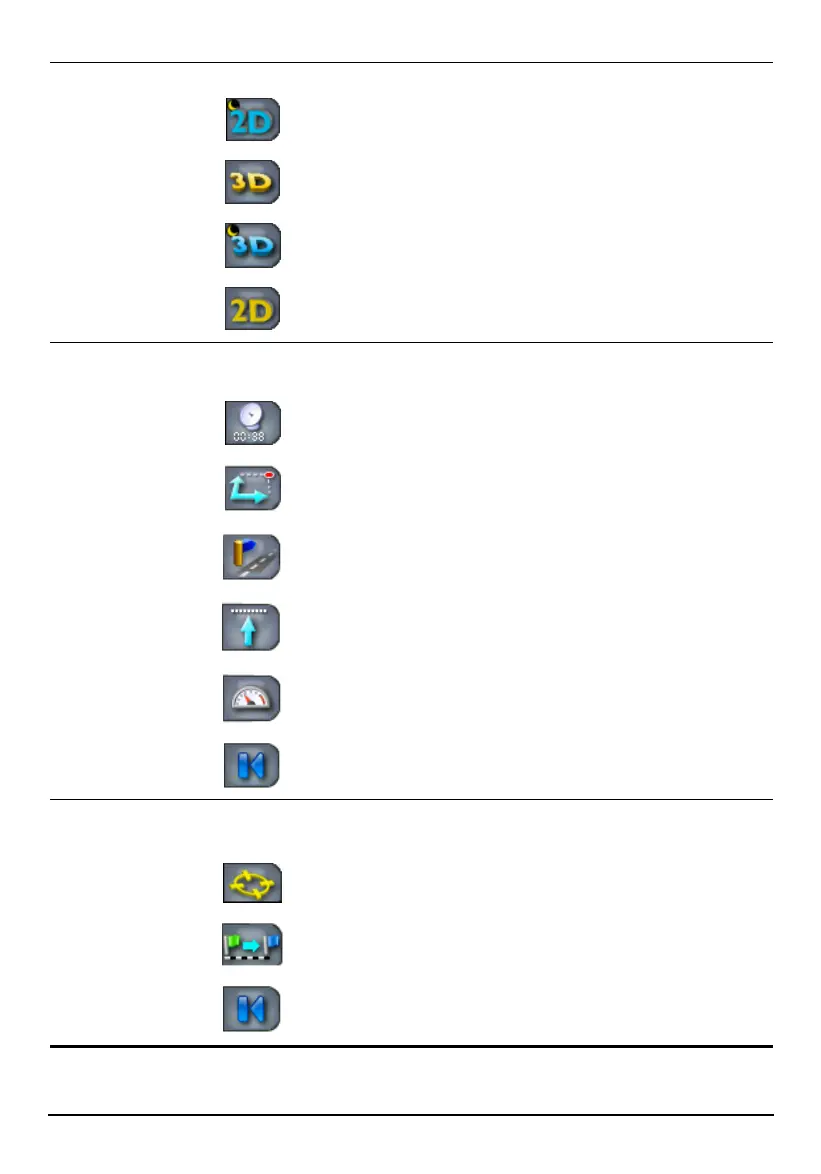
Tap to switch the map view to one of the following. Section 7.1
2D Night view
3D view
3D Night view
2D view
GPS-Generated
Details
Tap to display GPS-generated details as below in a detail
bar. This button works only when there is a GPS fix.
Current time and power status
Latitude and longitude of the current GPS
position
Street name of the current GPS position
Altitude of the current GPS position
Current driving or moving speed
Tap to close the GPS details bar.
Route Details
Tap to display details of the calculated route as below.
This button works only after a route has been calculated.
ETA and ETR information of your route
Distance to your destination
Tap to close the route details bar.
33



 To Next Page