NOTE:
Only those items found in either Auto Alert 1 or Auto Alert 2 will function as auto alerts. You
must configure the Auto Alert categories for the audio alerts to take effect. (See
“Configuring Auto Alert Category” later.)
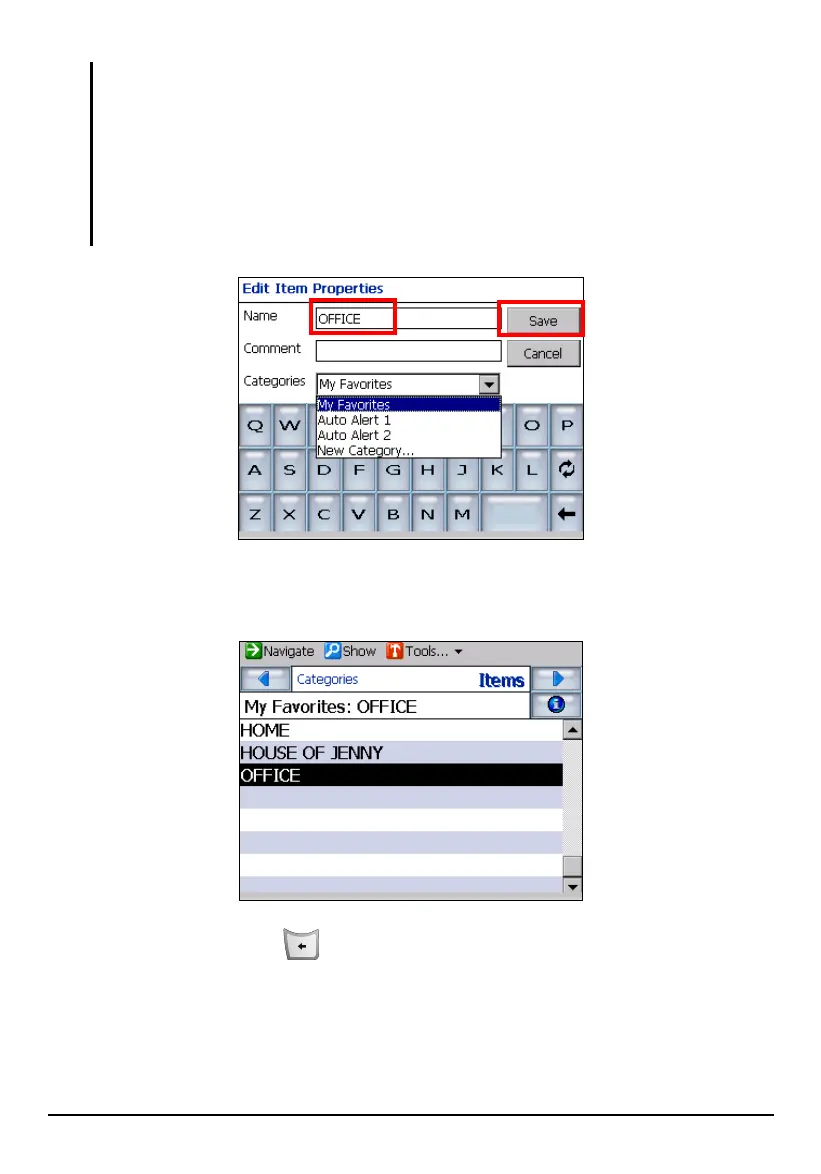
You may want to create a new category to store your Favorites in different groups. Tap the
down arrow to pull down the menu of Categories and tap New Category Save. Then
type a name in the Edit Category Properties screen, select an icon for the category, and tap
Save.
3. Tap
Save to store the location as one of your favorites. The location will be
added to the list of your favorite items.
4. Press the Back button to exit and save the changes.
61



 To Next Page