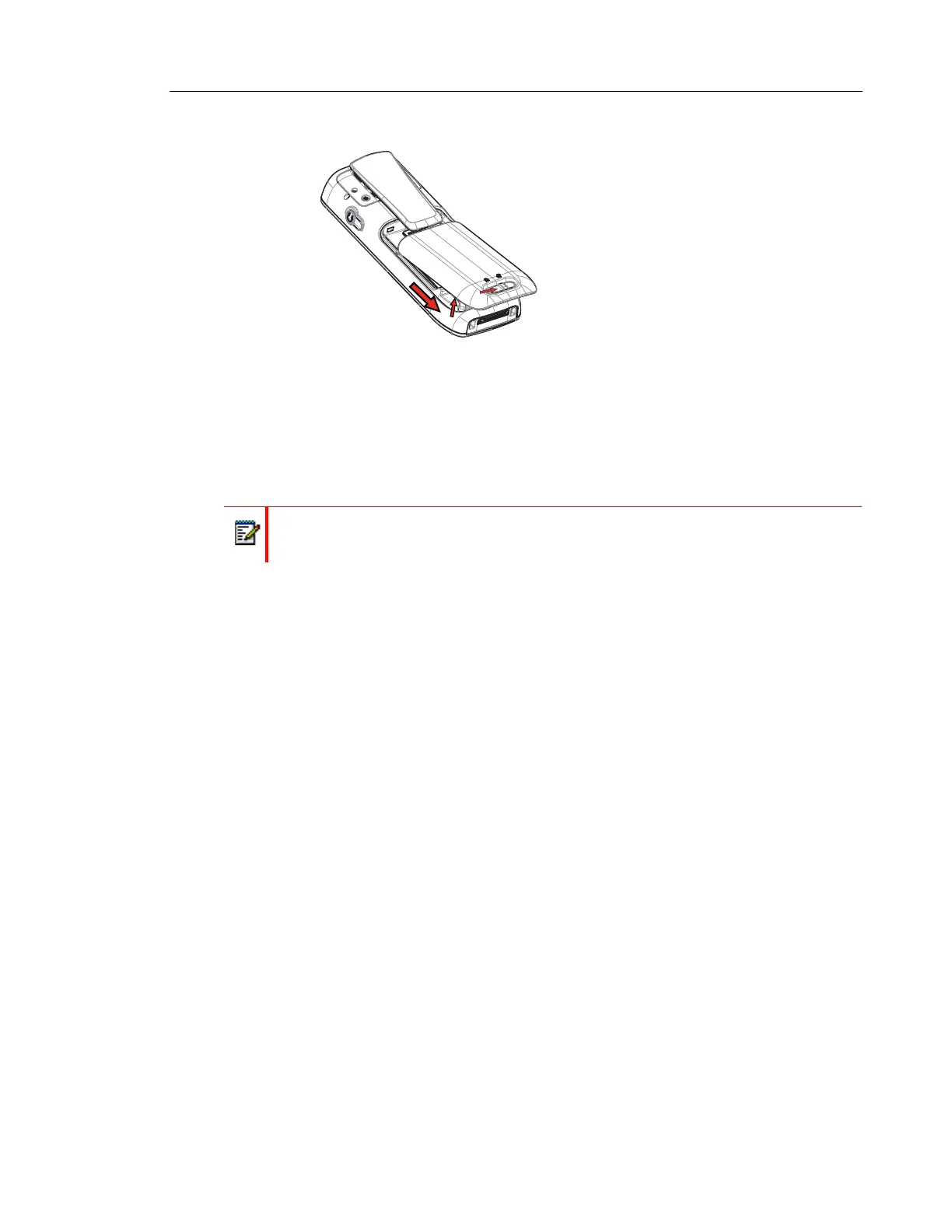
Figure 1. Easy replaceable battery, unlock the lid and remove the battery.
EASY REPLACEMENT OF HANDSET
Easy replacement can be used if a handset needs to be replaced due to, for example, a broken
display. The easy replacement procedure is done via the handset display and the DC4
Advanced Desktop Charger or the CR3 Charging Rack.
The following settings are replaced during easy replacement:
• DECT registration
• User parameters (including User ID)
• Contacts
• The extension number is assigned to the new handset.
The following settings are not replaced during the easy replacement:
• Call list
• Messages
• Bluetooth pairing list
• Licenses.
BEFORE STARTING EASY REPLACEMENT PROCEDURE
1. Check that both the old handset to be replaced and the new replacement handset are of
the same device type.
NOTE: The Easy Replacement procedure can be used if the old and new handsets have
different product licenses, that is, Talker, Messenger, and Protector. The new handset
product license is not replaced by the old handset’s product license during the procedure.
However, a handset product license, can be moved to another handset using the Win-
PDM/Device Manager.
2. Use the WinPDM or the Device Manager to check that the software of DC4 Advanced
Desktop Charger or CR3 Charging Rack is of version 1.3.x or greater. For more information
Note: Easy replacement is not supported when using DP1 Desktop Programmer.



 To Next Page