Mitel 5614 DECT Phone User Manual for MiVB
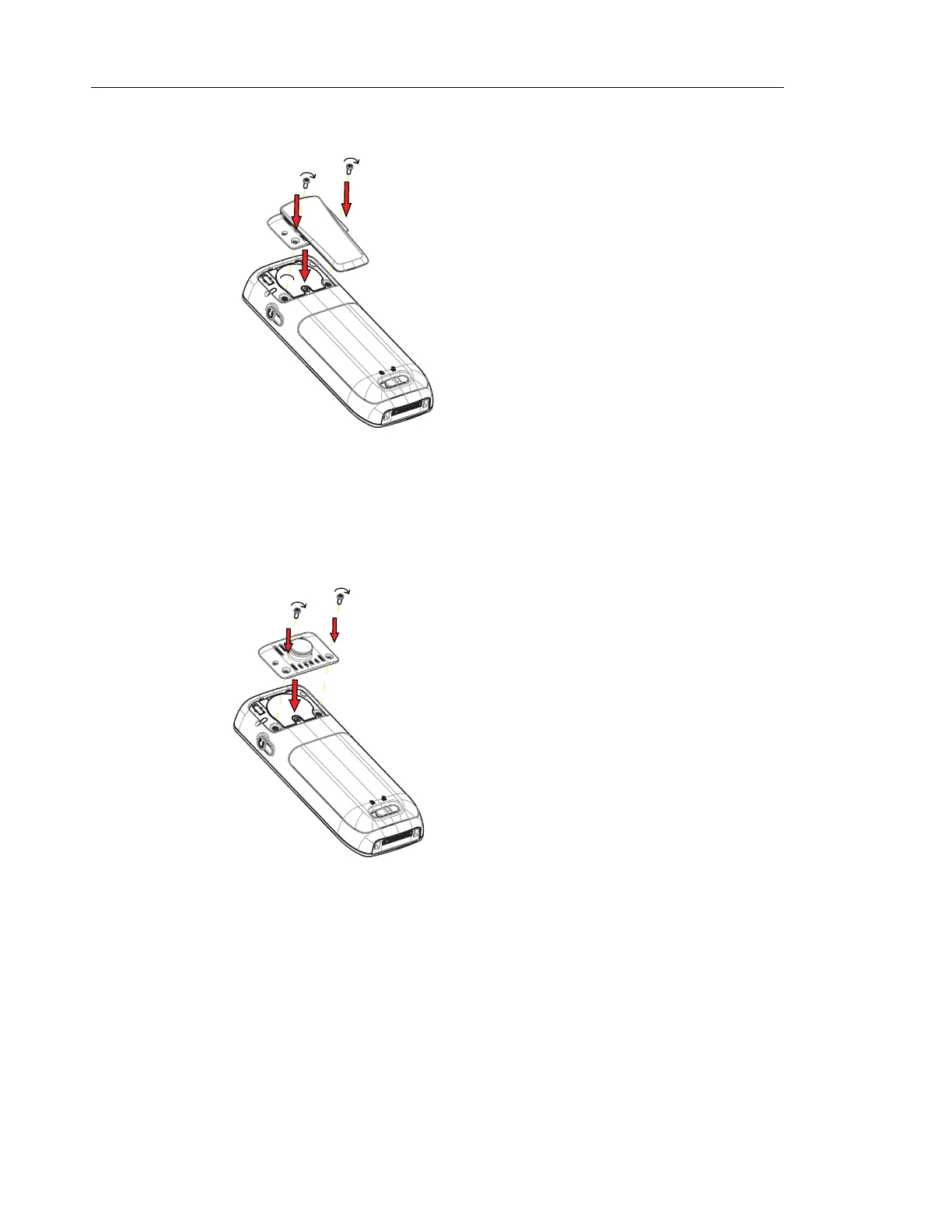
Figure 3. Screw the hinge-type clip into position.
ATTACH THE SWIVEL-TYPE CLIP
Attach the swivel-type belt clip as described in the illustration below.
Figure 4. Screw the swivel-type clip into position.
ATTACH COVER FOR NO CLIP
Attach the enclosed cover as described in the illustration below when no clip is to be used



 To Next Page