Mitel 5614 DECT Phone User Manual for MiVB
The three Soft keys are located just beneath the display and the functions of each Soft key is
indicated by text in the display just above the keys.
In idle mode, the Soft keys can be used for specific functions defined by the user of the handset.
HOT KEYS
Any key "2" - "9" can be set to a Hot Key. A long press on any of these numbers in stand by
mode are by default a shortcut to the Call contact list. The list is in alphabetic order, and
depending on which key that is pressed is dependent on where in the list the contact appears.
A Hot Key can be programmed to give access to frequently used functions such as dialing a
specific handset number, a shortcut on the menu, or sending an SMS.
MULTIFUNCTION BUTTON
This button can be used as a shortcut to functions; long or double press modes. It is by default
not used, but can be defined by the user of the handset. If the button is defined, it can be used
in standby mode only.
VOLUME BUTTON
The two buttons placed on the upper left side of the handset are used for increasing/decreasing
the earpiece, headset, and the loudspeaker volume.
ALPHANUMERIC KEYS
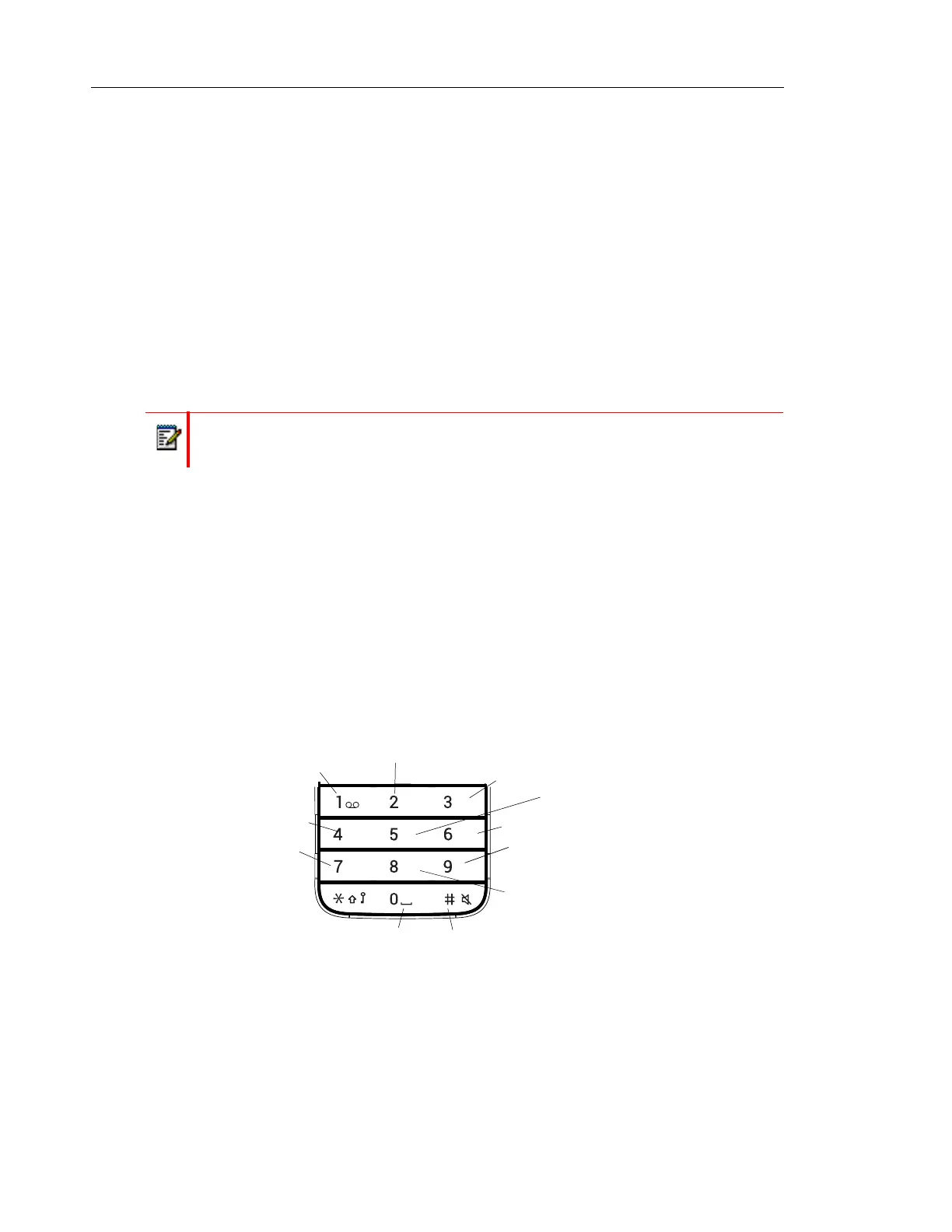
Figure 5: Available characters.
Note: Depending on the selected menu language and character setting in the Device Manager, other
characters can be available. This means that the character order can differ from the figure above.
In standby mode, and number input mode
• A short press on a key enter the digits “0” - “9” and the characters * and #.
Note: The support for this feature is dependent on what model of handset that is used.
For more information, see Functions and Accessories on page 3.
ABC DEF
GHI JKL
PQRS TUV WXYZ
MNO
. , ? ! - ‘ ” 1
a b c à â ä æ ç 2
d e f é è 3
j k l 5
m n o ñ ò ö ø 6
t u v ù ü 8
#
g h i î 4
p q r s b 7
w x y z 9
Space + * 0



 To Next Page