Mitel 5614 DECT Phone User Manual for MiVB
INTRODUCTION
Bluetooth technology replaces the cord between the handset and the headset. This allows the
user to move more freely and eliminates the risk of a headset cord getting stuck.
Bluetooth supported functions:
• Pair the handset with it’s headset
• Choose which device to use when making a call
• Play ring signal in the Bluetooth Headset
• Answer and connect sound to the Bluetooth Headset when answering with the headset’s
button.
• End call with the Bluetooth headset’s button
• Transfer audio to/from Bluetooth headset during call, using the menu in the handset.
• Increase/decrease the volume in the Bluetooth headset with the volume buttons on the
handset.
ICON
See “Icons and Text in the Display” on page 11.
WEAR
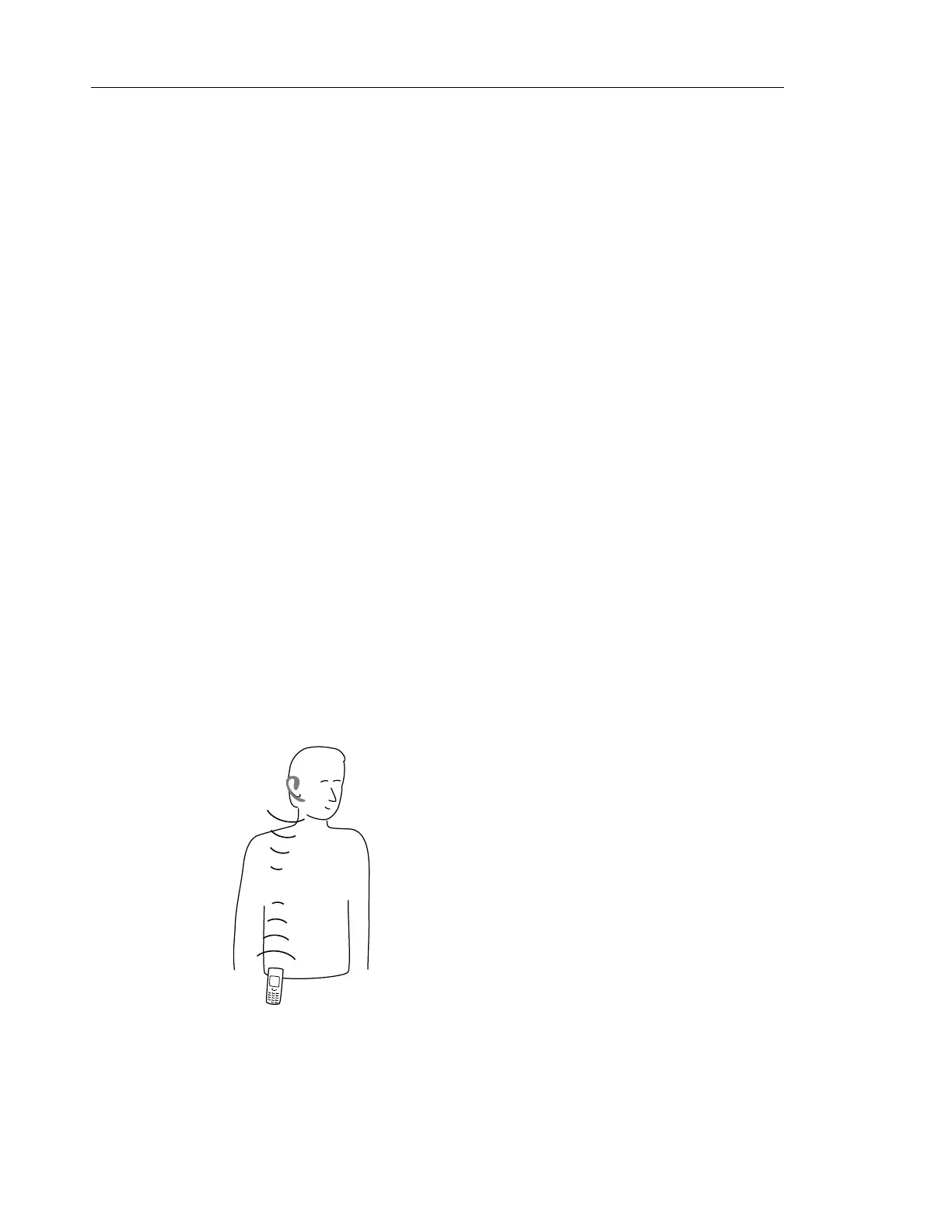
For optimal performance wear the Bluetooth headset and the handset on the same side of your
body. The best audio quality in the headset is achieved when no obstructions, including your
body, are between the headset and the handset.
Figure 1: Wear the headset and the handset on the same side of your body



 To Next Page