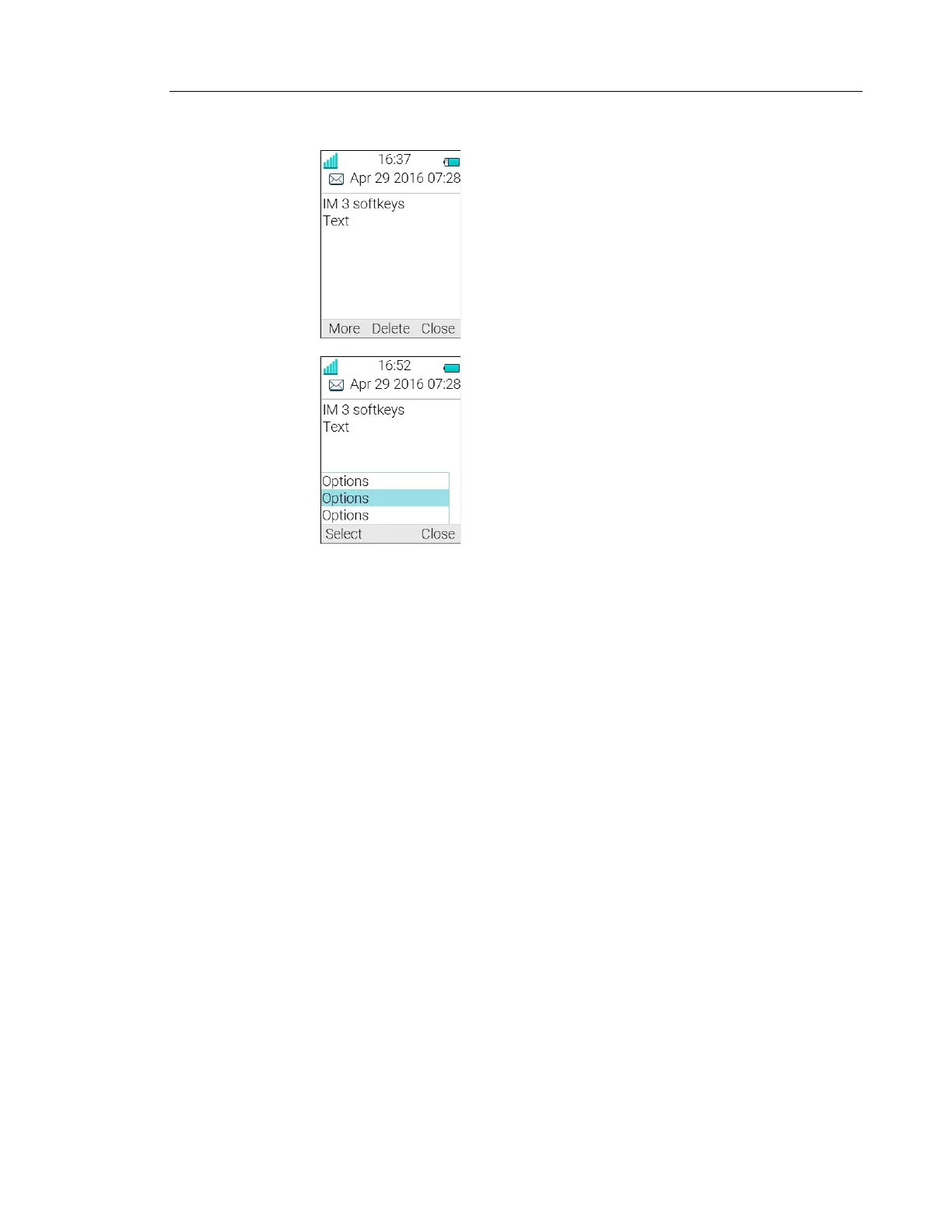
Figure 1. Example of an interactive message
Mobile data from the handset can initiate the application to send the interactive message, see
Mobile Data on page 66.
MESSAGE INDICATION REPETITION
The handset can be configured to repeat the audio and visual message received alert described
in Receive a Message on page 56. The alert repeats every seven seconds until the user reads
the message or turns the alert off. For the appropriate message settings, refer to the
Configuration Manual for the handset; see Related Documents on page 127.
Certain system-defined properties can be assigned to a message to give it a high priority, for
example, an alarm priority message. Alert repeats start automatically when a high priority
message is received. Such messages do not need to be explicitly configured to trigger alert
repeats. A high priority alert is repeated every 10 seconds for a maximum of 5 minutes and
then the alert stops.
Alerts continue to be repeated until the user presses the hook-on, mute button or soft key for
accessing the message.
Note that message indication repeat is a system dependent feature that cannot be activated
from the handset.



 To Next Page