EasyManua.ls Logo

Mitel 5614 - Contacts Menu

Mitel 5614
159 pages
Print Icon
To Next Page IconTo Next Page
To Previous Page IconTo Previous Page
Loading...
21
CONTACTS
Tip: When adding or editing a number in a contact, a variable or the character U in the
Work/Mobile/Other number field can be added that allows the user to enter one or more
additional numerical characters before calling the number. See Chapter 11 Procedure Call
on page 101 for more information.
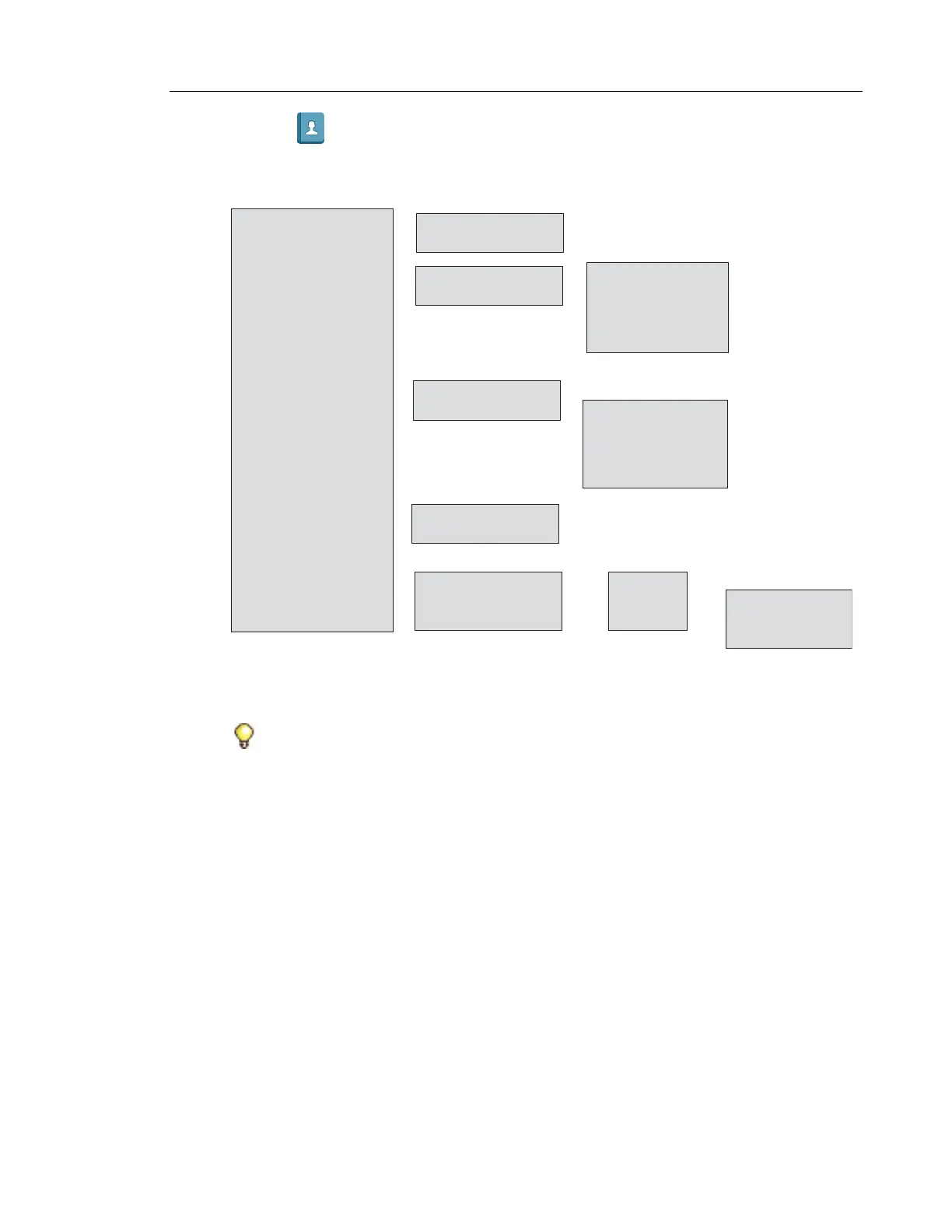
• Call contact
——>
• Add contact
• Edit contact
• Central phonebook*
——>
——>
——>
• Ring signal
• Name
• Work number
• Mobile number
• Other number
>
>
>
>
>
• New
• From Call list >
——>
• Ring signal
• Name
• Work number
• Mobile number
• Other number
>
>
>
>
>
• Search by name
• Search by number
• Last result
• Search
• From contact list
>
• Search
• From contact list
——>
>
>
• View contact
• Add to contacts
>
• Send message
——>
• Delete contact
——>
• Search
• From contact list
>
>
>
>
• Call
• More
• Back
——>
* System dependent

Table of Contents

Other manuals for Mitel 5614

Related product manuals