Mitel 5614 DECT Phone User Manual for MiVB
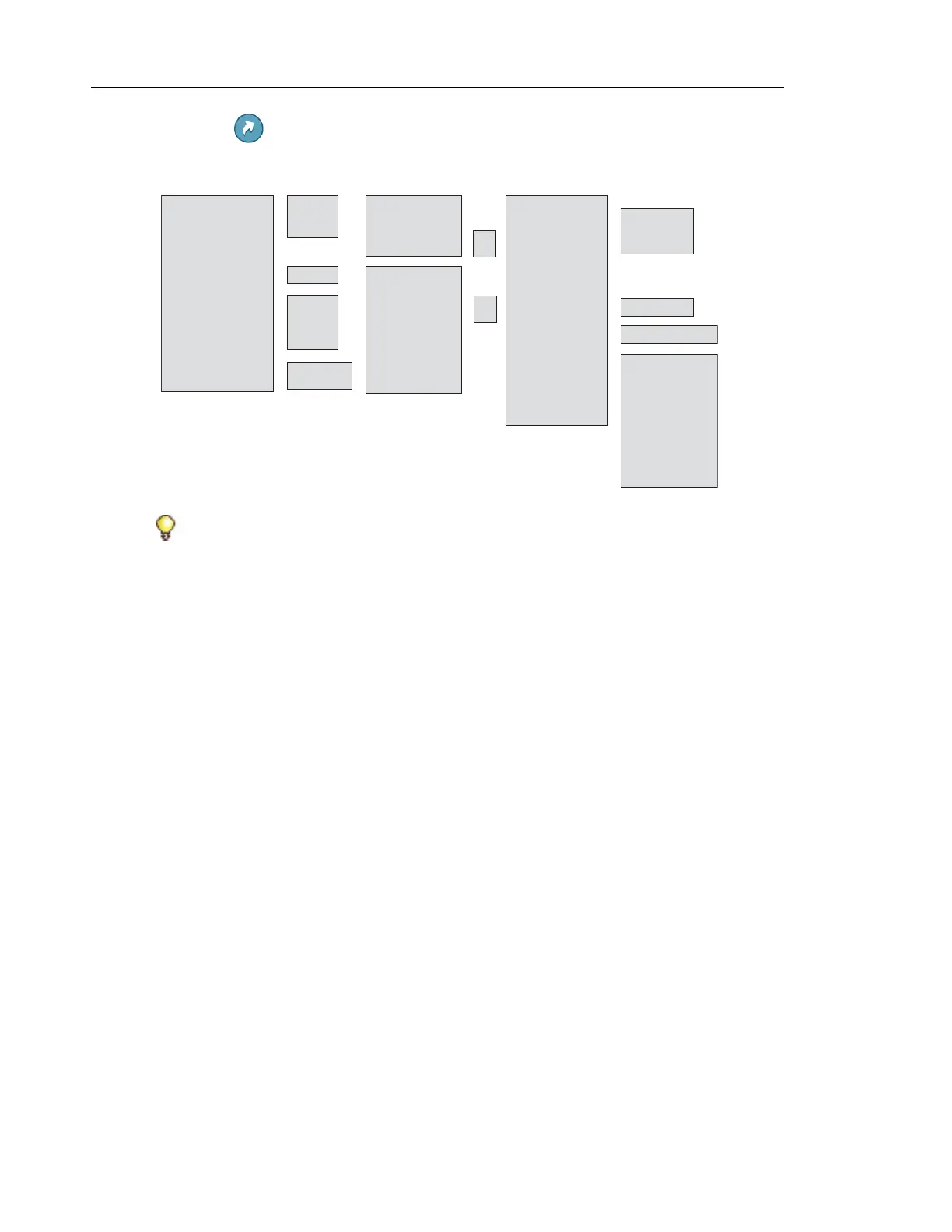
SHORTCUTS
Tip: When configuring the Phone call function, a variable or the character U can be added
to the Enter number field to allow the user to enter one or more additional numerical
characters before calling the number. See Chapter 11 Procedure Call on page 101 for
more information.
Soft Keys --->
H
ot Key --->
Navigation Keys --->
Left --->
Middle --->
Right --->
2 - 9 --->
Up --->
Down --->
Middle --->
Right --->
Not used
Phone call ---> Enter number
Phone call
--->
Phone call PTT --->
Call list
Contact list
Central Phonebook
Message inbox
Send message ---> Enter number
Change profile ---> Profile A (example)
Open a menu --->
Call absence >
Services >
Edit alarm data >
Call PTT group** >
Name >
Function ----------->
Value >
Control question -->
Main menu
Calls
Connections
Contacts
Messaging
Services
Profiles
Settings
Absence*
Call services
Left --->
Middle --->
Right --->
*) Not applicable for d63 Advanced.
**) Visible if defined in WinPDM/Device Manager.
Soft Keys --->
H
ot Key --->
Navigation Keys --->
Multifunction button*->
Long press --->
Multi press --->
On
Off
Function ------------>
Value >
Control question --->
On
Off



 To Next Page