Operation
5-26 October 2019 16K PLUS
Display Settings
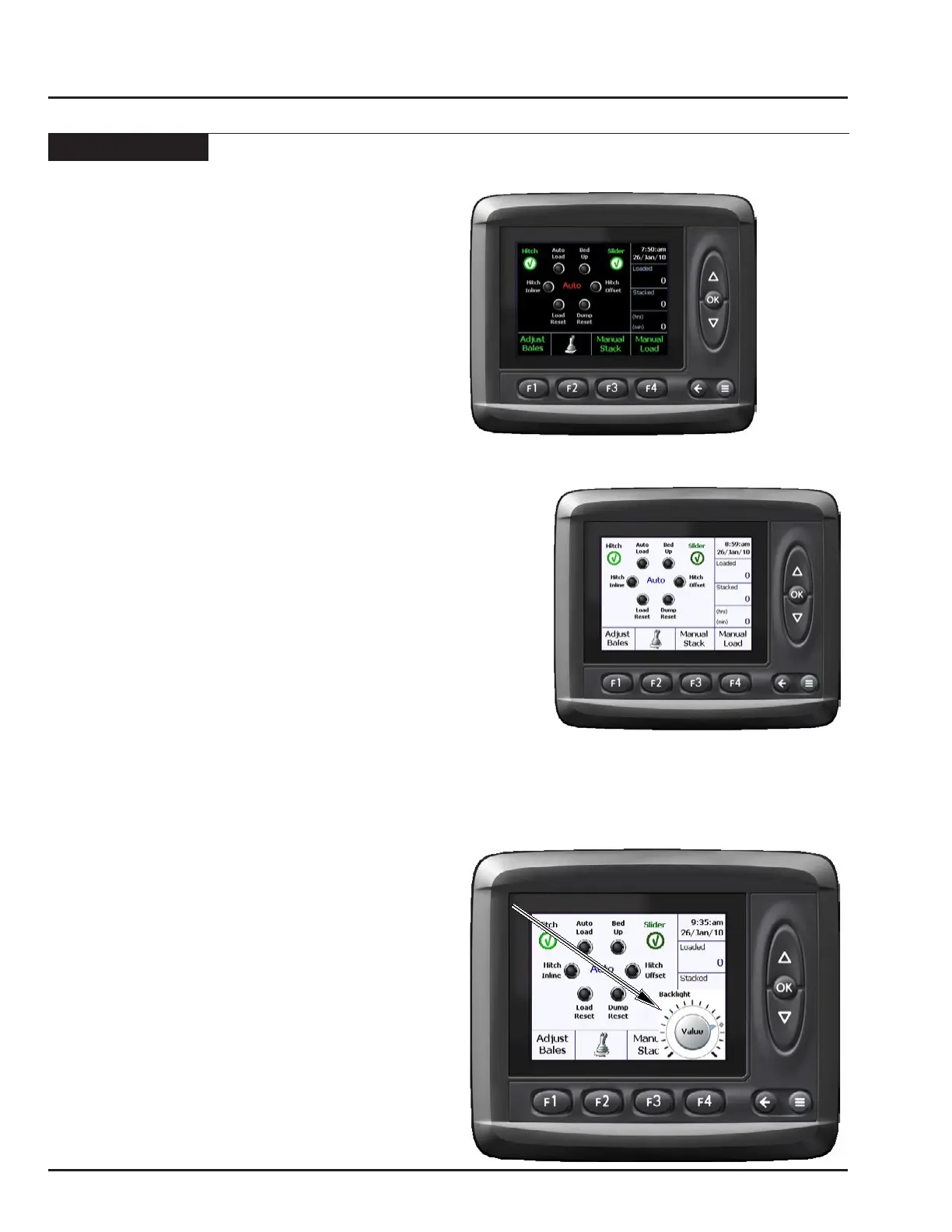
Day/Night Screen
The monitor is equipped with two display modes for ease
of viewing during day or night operation.
Note: The monitor must be in the “Auto” screen to
select the display mode.
• From start-up the monitor will always display the
black back ground.
• From “Auto” screen press the BACK button to toggle
between the two display modes.
Note: The setting selected in the “Auto” screen will
be used in the “Manual Stack” and “Manual
Load” screens.
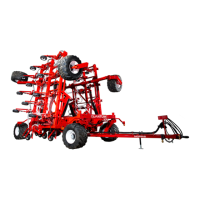
Back Light
The brightness of the screen can be adjusted.
Note: The monitor must be in the “Auto” screen to
adjust back lighting.
• From “Auto” screen press the DOWN button to display
the back light dial.
• Use the UP and DOWN buttons to adjust.
• Press OK to accept new setting.
Note: The setting selected in the “Auto” screen will
be used in all other screens.



 To Next Page