Operation
5-42 October 2019 16K PLUS
Menu Screens
Main Menu
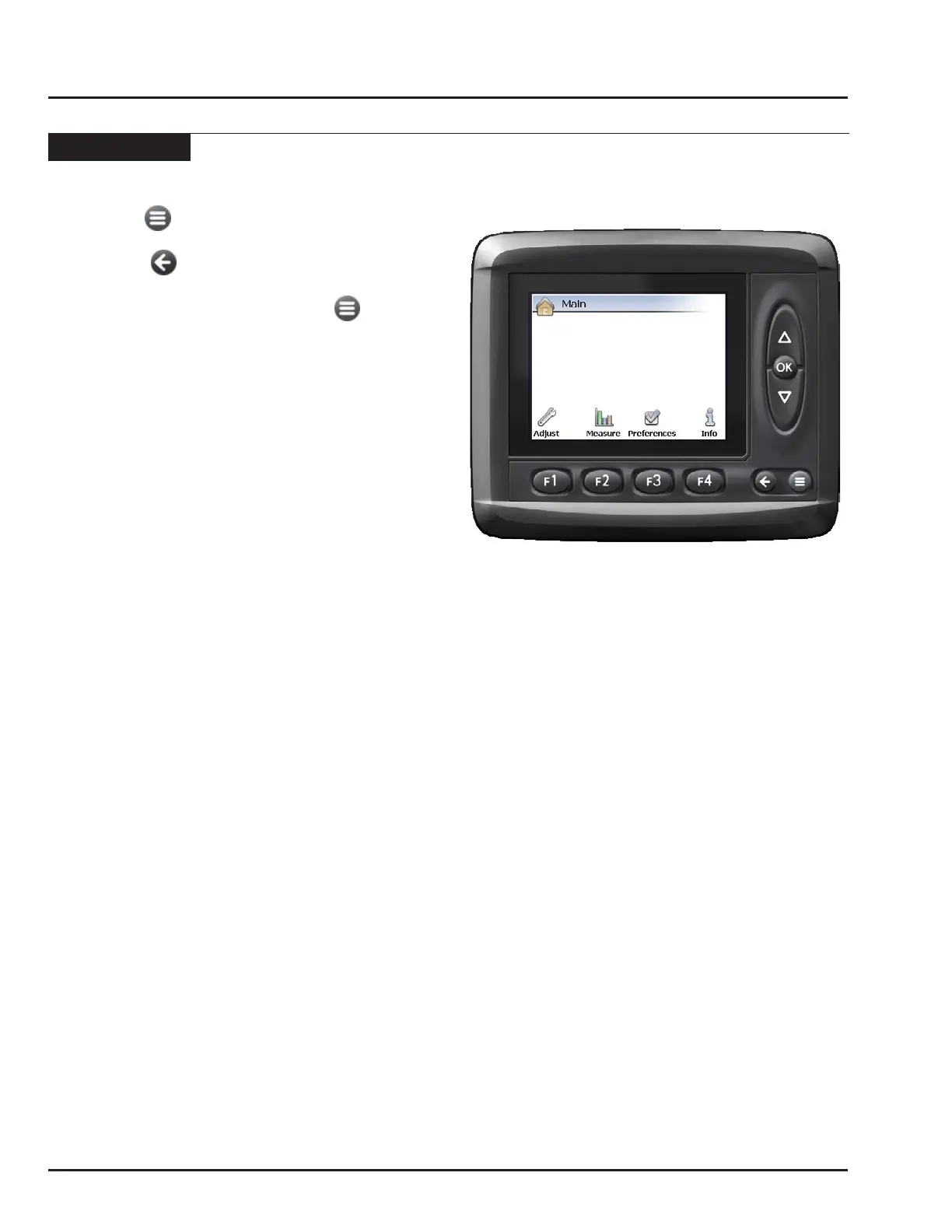
• Press the button to access main menu from any
operation screen.
• Press the button from any sub-menus brings
back the previous menu.
• To exit the menu screens, press the button to
bring back the last control screen.
Warning: When in the menu screens, the
joystick buttons are still functional.
The machine will perform as indicated
in the last operation screen.
Tip: When diagnosing problems, it is possible to
observe the menu screens while operating
the machine with joystick.
The Main menu provides access to the following sub-
Menus:
• The Adjust menu F1 contains all the settings that
govern the performance of the machine.
• The Measure menu F2 contains information about
the machine’s current state. No adjustments to the
machine’s operation can be made in this menu.
• The Preferences menu F3 allows the operator to
set the date and time.
• The Info menu F4 contains information on about
the operation of the monitor. This information is for
diagnostic purposes regarding the performance of
the monitor, and cannot be altered. None of the
information included in this menu is relevant to the
performance of the 16k PLUS. The Info menu will
not be discussed any further in this manual.



 To Next Page