8-17
Working Online
iControl AC
8
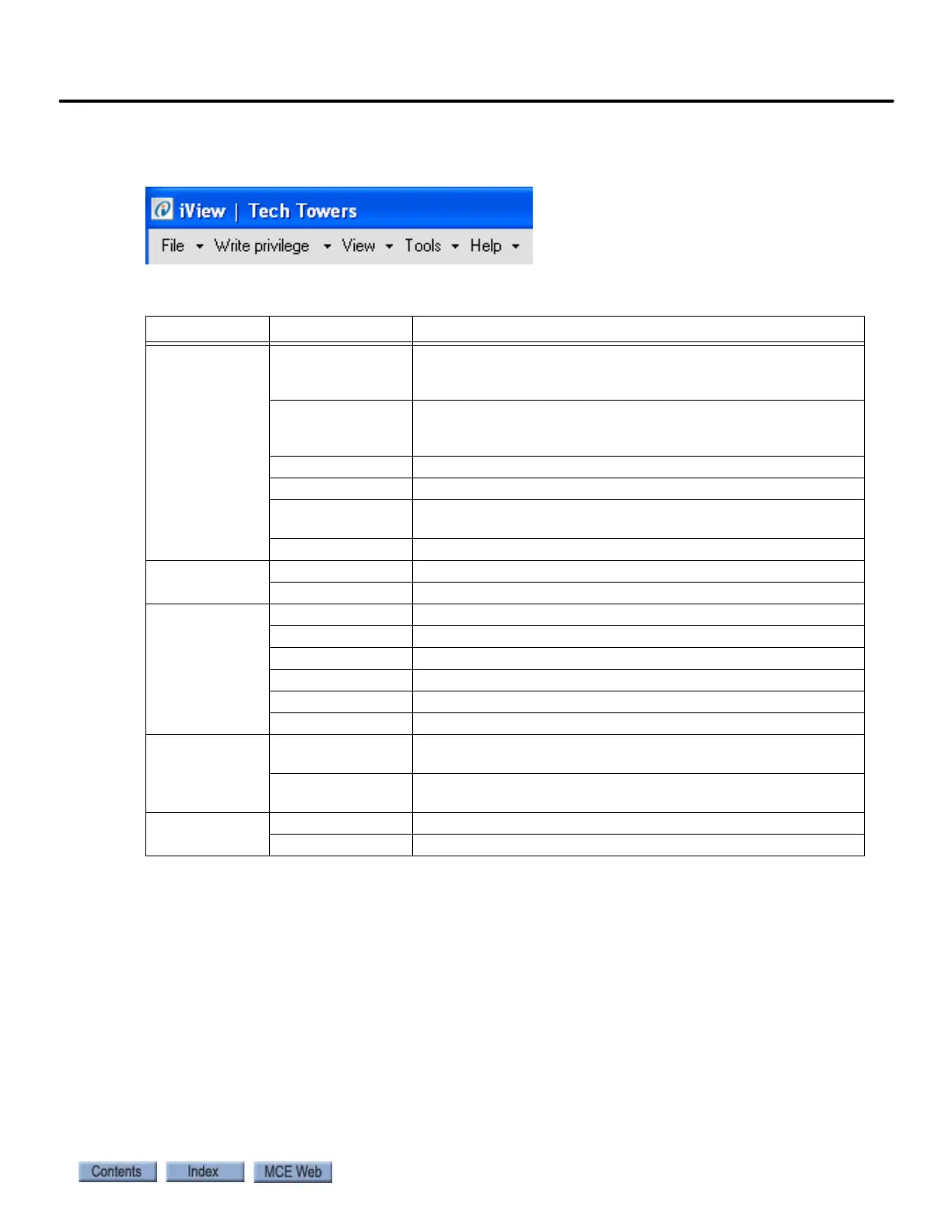
iView Menu Bar
Table 8.2 lists the description and location where the menu bar options are explained.
Table 8.2 iView Menu Bar Options
Menu Option Description
File Connection Create a new direct connection (page 8-8) or LAN connection
(page 8-12). Open, close, edit or delete an existing connection
(page 8-14).
Configuration Save default parameters (page 8-20) or current parameters
(page 8-21) to a configurations file. Load parameters from a
configuration file (page 8-22).
Event Log View the controller’s event log.
Firmware Update Update the controller’s firmware files (page 8-41).
Upgrade Options Allow an old version of iView to connect and make upgrade
(page 8-43).
Exit Close the iView application.
Write Privilege Acquire Send adjustments to the controller (page 8-17).
Relinquish Relinquish write privilege.
View Configuration Please refer to “Controller - View Menu” on page 8-26.
Diagnostics Please refer to “Controller - View Menu” on page 8-26.
Setup Please refer to “Controller - View Menu” on page 8-26.
Hoistway Please refer to “Controller - View Menu” on page 8-26.
Safety Tests Please refer to “Controller - View Menu” on page 8-26.
Layouts Please refer to “Controller - View Menu” on page 8-26.
Tools FTP File Viewer Use under direction of MCE Tech Support to copy, save or
replace controller firmware files (page 8-44).
Boot parameter
recovery
Use under direction of MCE Tech Support if the controller is
unable to boot-up (page 8-49).
Help iView Help View the on-line help for the iView application (page 8-24).
About iView iView and controller firmware version numbers.



 To Next Page