8-36 Manual # 42-02-2223
Using iView
To dock a window in a new location:
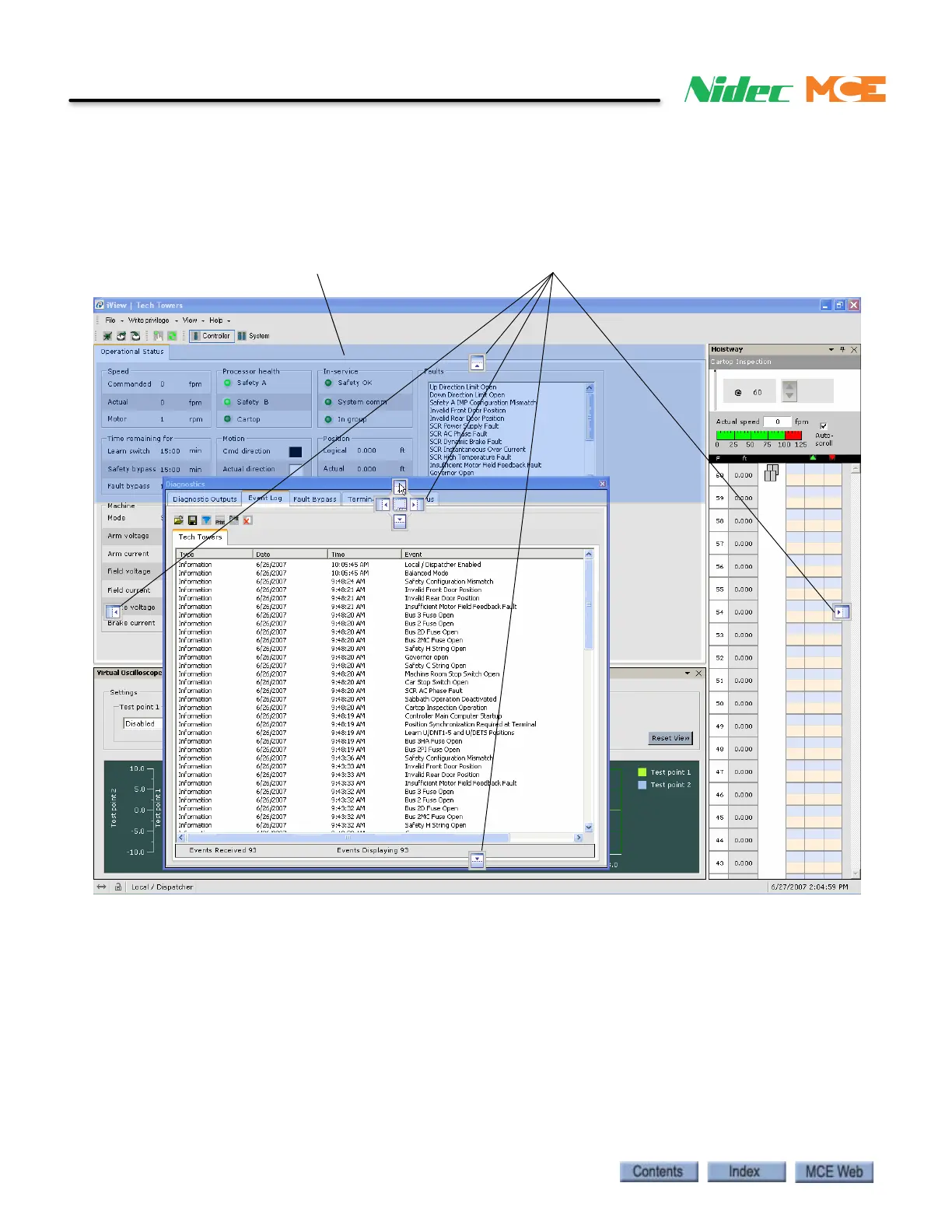
1. Notice that while moving an undocked window, docking controls appear near the center
and at the top, bottom and sides of the screen. As you slide the cursor over the controls,
a light blue highlight indicates the position to which the window will be moved. Release
the mouse button and the window docks in the new location.
Docking controls
Light blue highlighted area



 To Next Page