8-47
Updating Controller Firmware
iControl AC
8
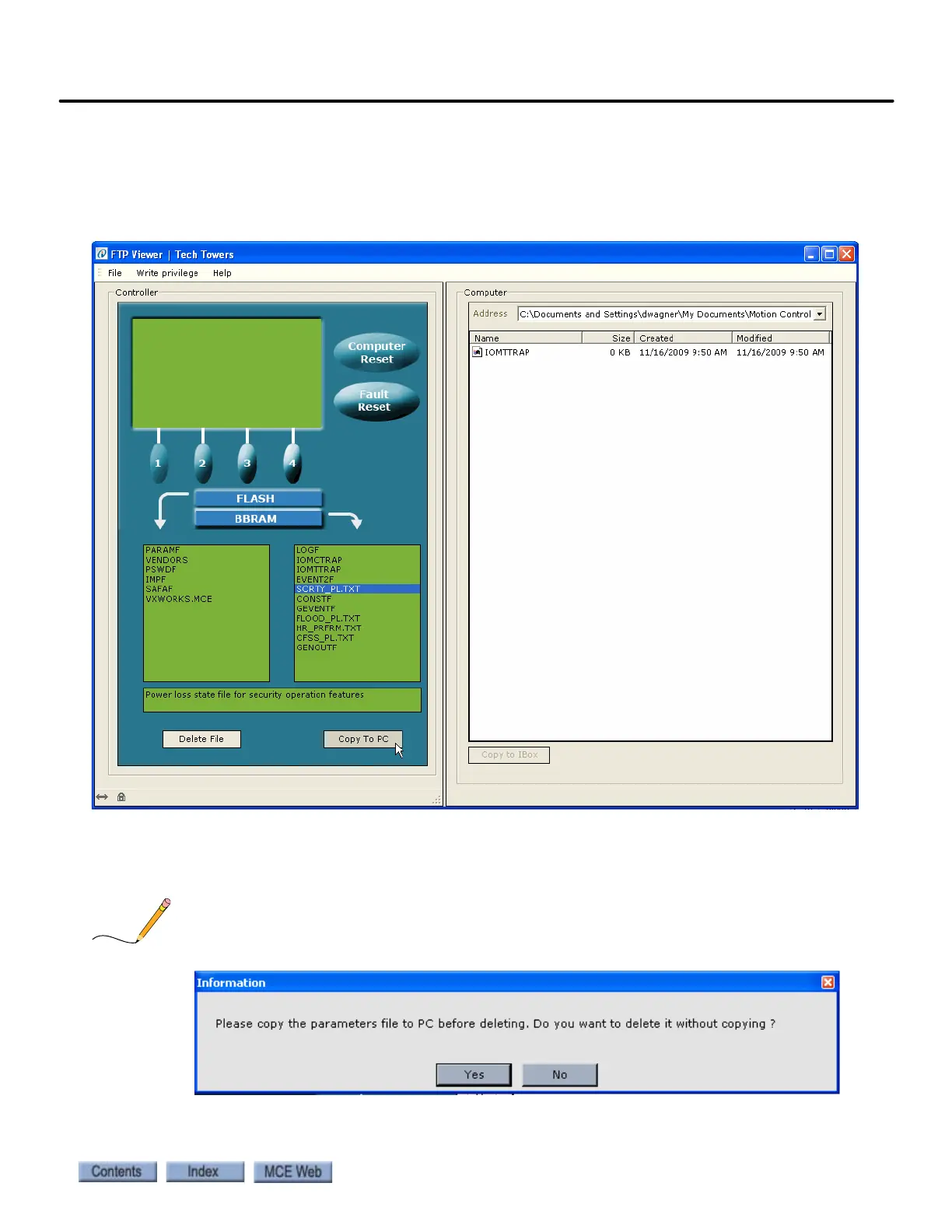
10. To copy a file from an iBox to a PC, select a file in the Controller FLASH or
BBRAM list and then click Copy to PC. The default folder to which the files are copied
is Documents and Settings\User’s name\My Documents\Motion Control Engineer-
ing\FTP Viewer. Note that a description of the file is shown in the list box below the
lists.
11. To delete a file from the Controller FLASH or BBRAM lists, select a file and
then click Delete File.
If you attempt to delete the PARAMF file, the following Information message appears:



 To Next Page