9-16 Manual # 42-02-2223
Reference
#1: This parameter may have a site-dependant value depending on the unique DSL service or internet
connection details. The default value shown can be used until a new value is identified. There may be
more than one of these values provided.
Summary
This is a summary of the entire LAN IP address space including MCE supplied equipment and
non-MCE supplied equipment.
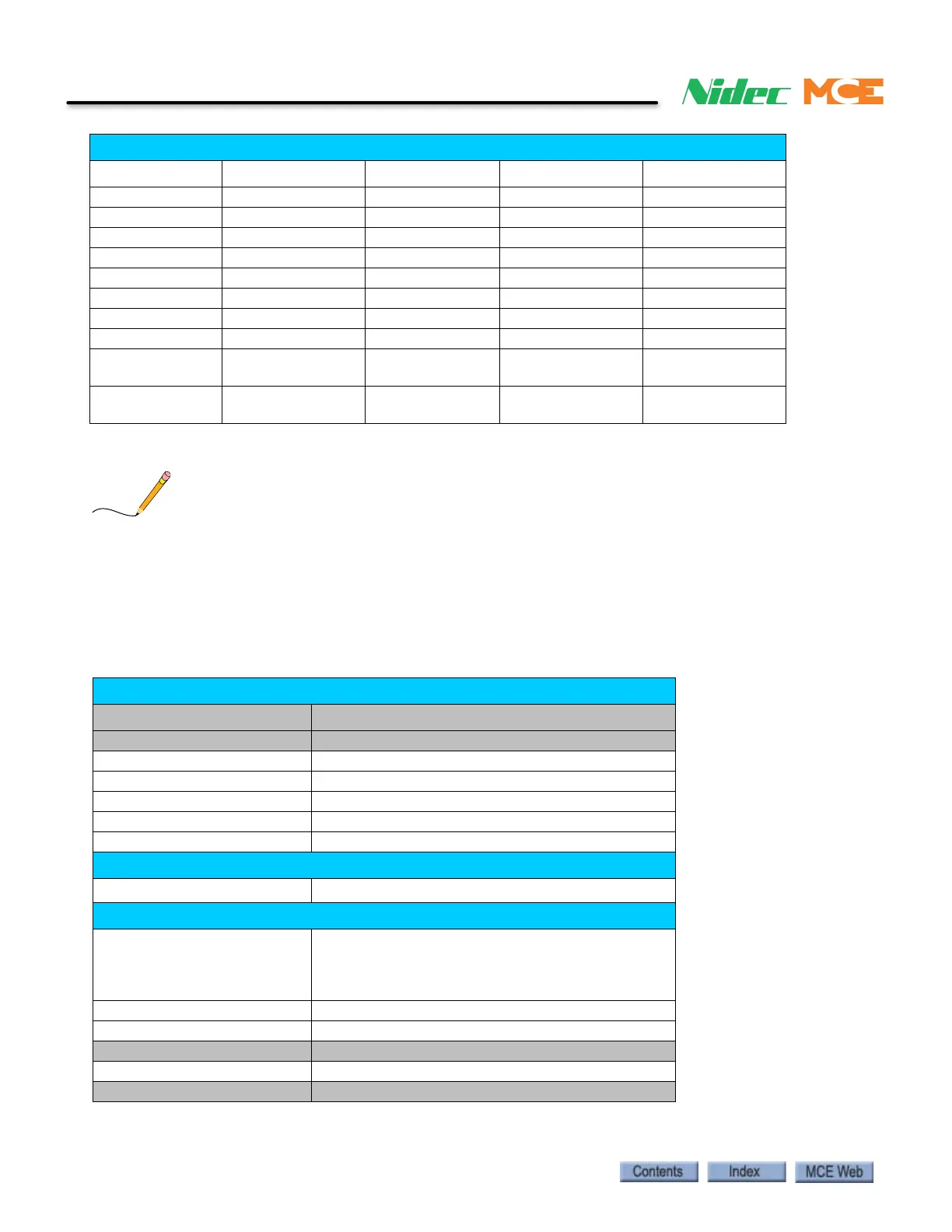
Group 9 – LAN Network (Blue cables)
IP Subnet Gateway DNS
iBox – Car 1 192.168.191.181 255.255.255.0 192.168.191.254 * 192.168.191.254 *
iBox – Car 2 192.168.191.182 “ “ “
iBox – Car 3 192.168.191.183 “ “ “
iBox – Car 4 192.168.191.184 “ “ “
iBox – Car 5 192.168.191.185 “ “ “
iBox – Car 6 192.168.191.186 “ “ “
…… “ “ “
iBox – Car 20 192.168.191.200 “ “ “
iView
192.168.191.117 –
192.168.191.118
““ “
iCue
192.168.191.217 –
192.168.191.218
““ “
LAN Network IP Address Summary Map For Network=192.168.191.*)
IP
(IEEE non-usable) 192.168.191.0
IBox (Groups 1, 2, 3 4, 5) 192.168.191.1 - 192.168.191.100
iView 192.168.191.101 - 192.168.191.120
IBox (Groups 6, 7, 8, 9) 192.168.191.121 - 192.168.191.200
ICue 192.168.191.201 - 192.168.191.220
iMonitor 192.168.191.221 - 192.168.191.222
With Optional Third-party Access
3
rd
-Party access address
192.168.191.223
With Optional Firewall / Router / Modem Dial-in
DHCP addresses /
VPN Tunnel addresses /
Extra Dial-in addresses /
Extra Static IP addresses
192.168.191.224 - 192.168.191.245
Static IP addresses 192.168.191.246 – 192.168.191.251
First Dial-in address 192.168.191.252
MCE Reserved 192.168.192.253
Firewall / Router 192.168.191.254
(IEEE non-usable) 192.168.191.255



 To Next Page