100 Cirrus LT Plus User Manual v1.2 - Chapter 4
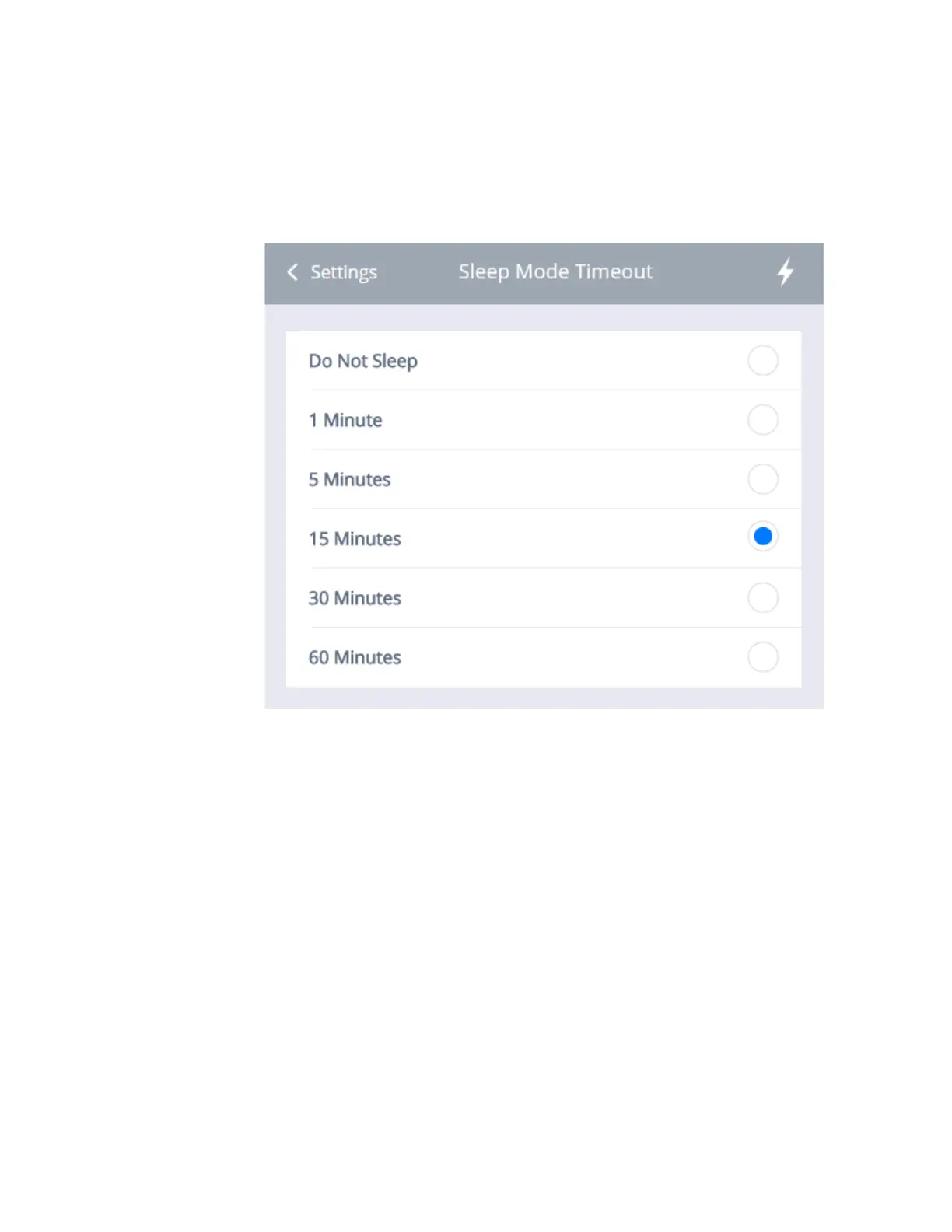
2. The Sleep Mode Timeout’ Section will appear, as shown below. You may
choose between Do Not Sleep, 1 Minute, 5 Minutes, 15 Minutes, 30 Min-
utes, or 60 Minutes (15 Minutes is the default setting).
3. Select the desired interval and click on ‘Settings’ to return to the Power
Savings Menu.
4. If the user enables all sleep modes and keeps the default values. The LCD
will black out at 5 minutes. After a total of 20 minutes (5 + 15), the System
will go into sleep mode. After 50 minutes (5+15+30), the unit will auto-
power off.



 To Next Page