145
Cirrus LT Plus User Manual v1.2 - Chapter 10
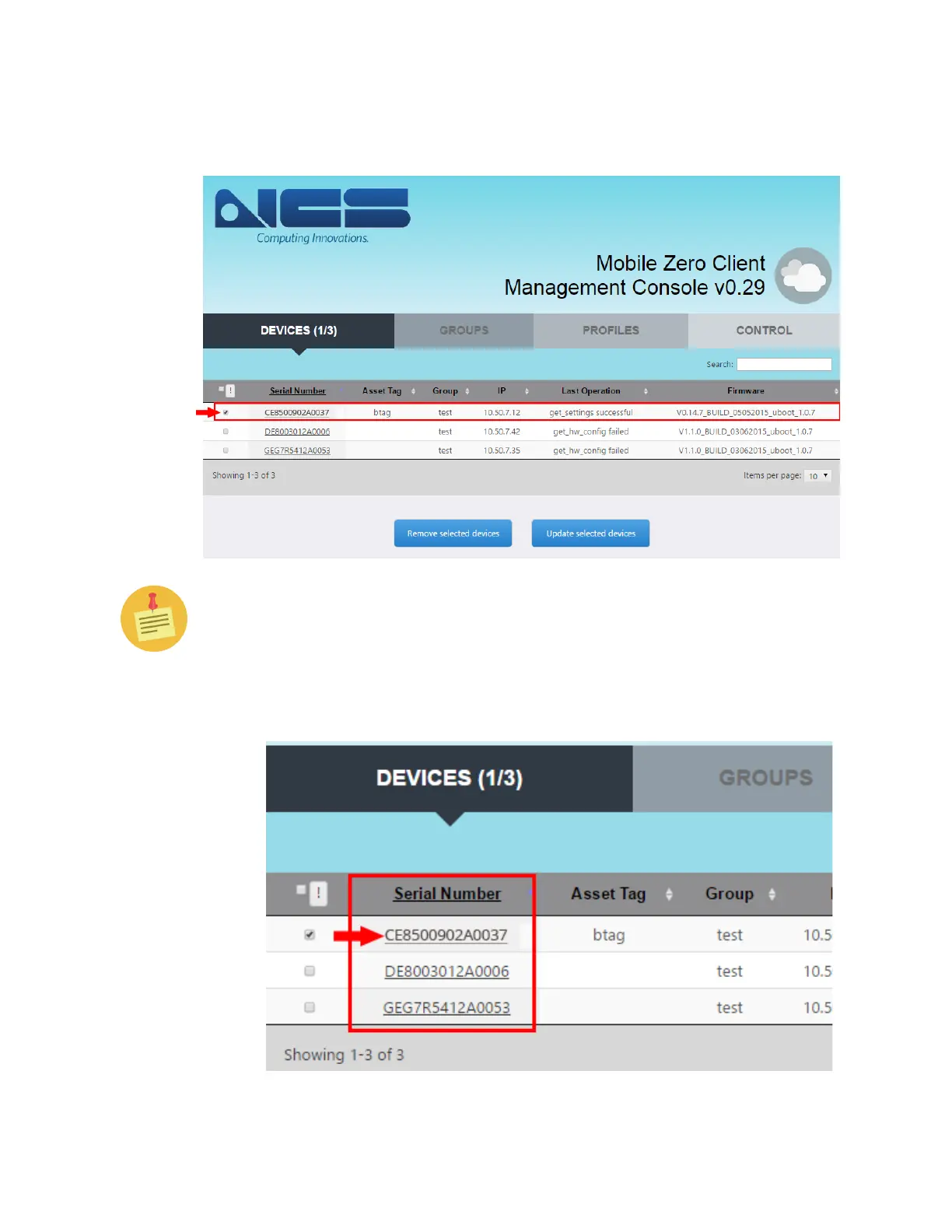
4. Navigate to the Devices Tab and select the unit (by ticking the check box)
you wish to configure, as shown below.
You can select multiple units to update simultaneously by selecting the
relevant check boxes as needed.
5. Once you add the detected devices to the Devices tab, click on the Serial
Number to drill down into the device details.



 To Next Page