146 Cirrus LT Plus User Manual v1.2 - Chapter 10
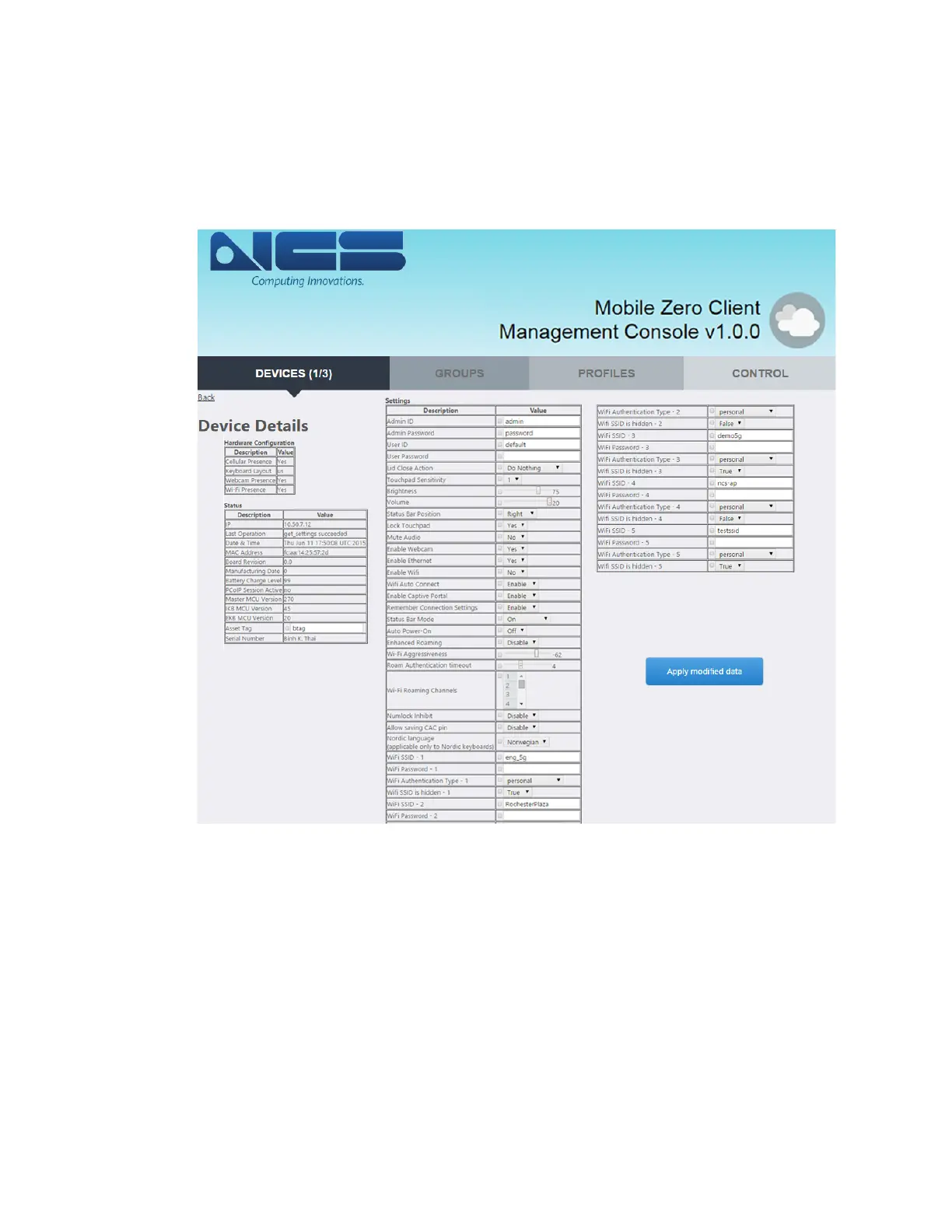
6. The Device Details of the selected device will then appear (please note
that the Device Details table has been repositioned for the screenshot.
The actual placement of the Device Details table in the Management Con-
sole may vary), as shown below.



 To Next Page