149
Cirrus LT Plus User Manual v1.2 - Chapter 10
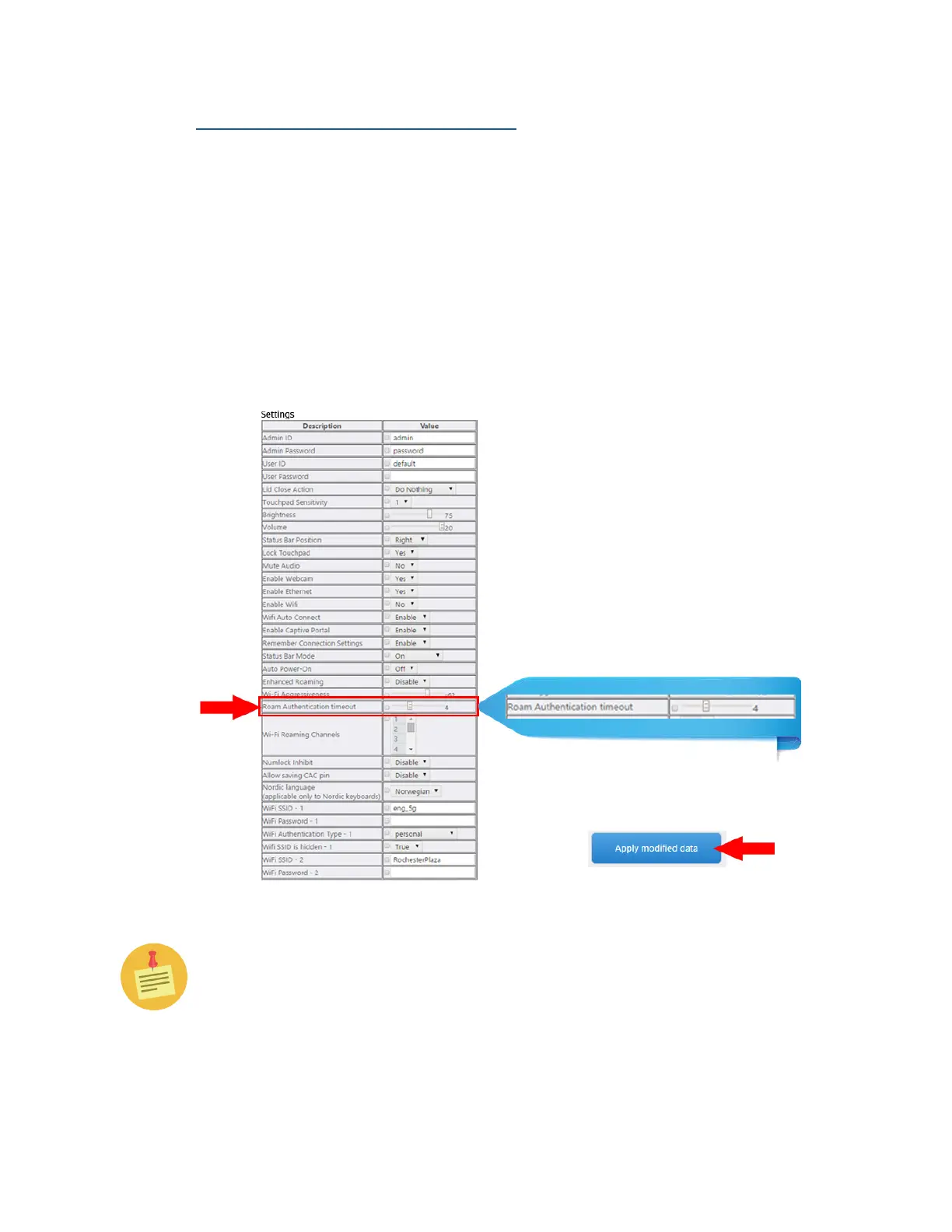
Roam Authentication Timeout Value
The Roam Authentication Timeout Value is another WiFi value that you can
modify in order to improve performance while using the roaming feature.
This value can be set from 1 to 10 seconds, and is set to 4 by default. This is the
amount of time the unit will wait until it tries to authenticate to another avail-
able access point. Setting this value too low will not give the client enough time
to complete the authentication process, while setting the value too high will
cause unnecessary wait time to try to connect to another access point. NCS
recommends you use values 3-7, and only in extreme cases go outside of those
values. You will need to click the check box to enable the slider button to change
this value.
Additional wireless troubleshooting features are available in the Adminis-
trator Menu.



 To Next Page