56 Cirrus LT Plus User Manual v1.2 - Chapter 4
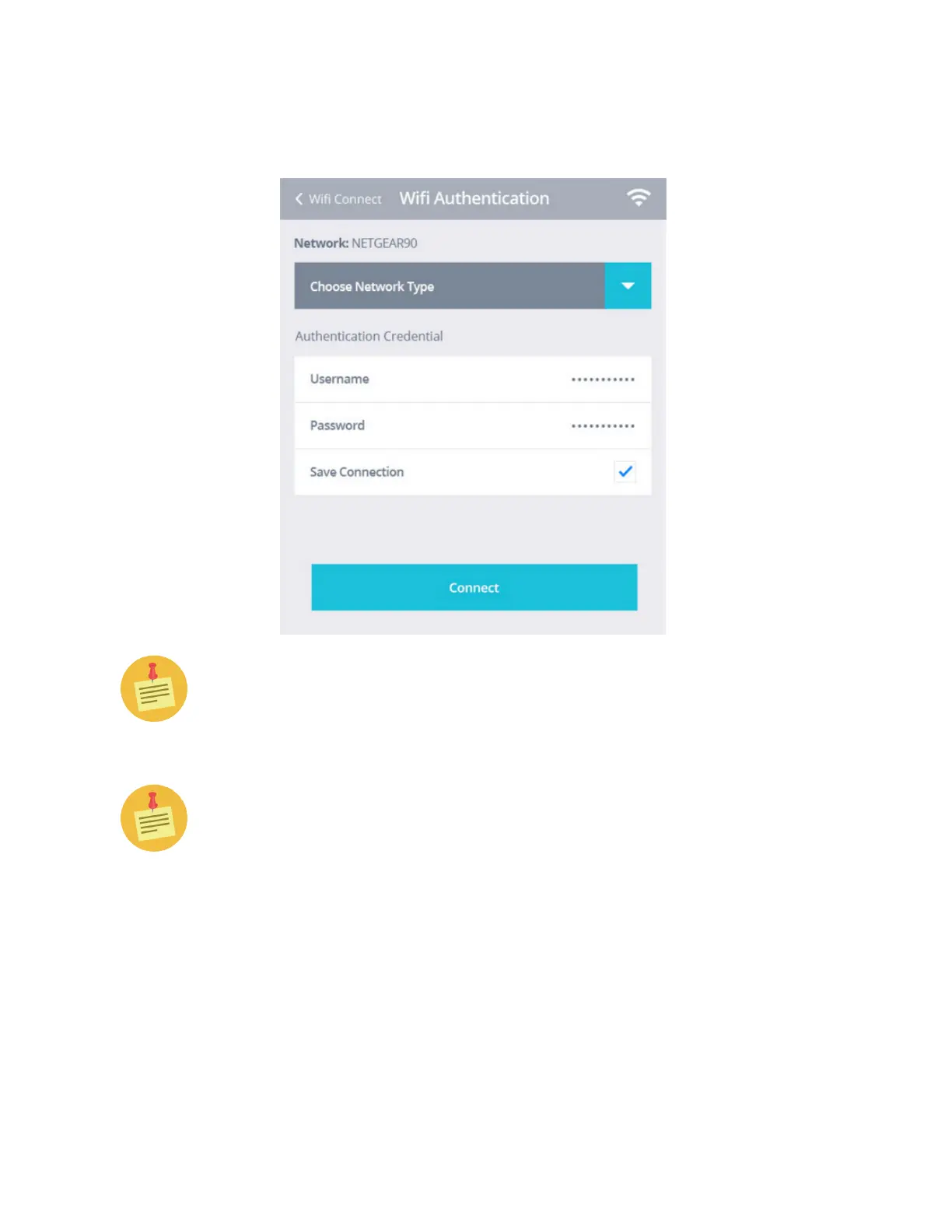
6. Type in your authentication credentials, and click Connect, as shown
below.
IMPORTANT: The maximum password length is 64 characters.
IMPORTANT: you cannot use certain characters in the wireless network
name (SSID) and you cannot use certain characters in your password. See
below for a list of supported and unusable characters:
Supported SSID Characters: letters, numbers, space, symbols including:
~ ` ! @ $ % ^ * ( ) - _ = [ { ] } | ; : ’ , < . > / ?
Symbols printed on the English keyboard that are not supported in SSID
are:
& # + \ “



 To Next Page