57
Cirrus LT Plus User Manual v1.2 - Chapter 4
Supported Password Characters: letters, numbers, space, symbols including:
` ~ ! @ # $ % ^ & * ( ) - _ = + [ { ] } | ; : ’ , < . > / ?
Symbols printed on English keyboard that are not supported in password are:
\ “
Unicode and non-english letters haven’t been tested, and will probably not be
supported.
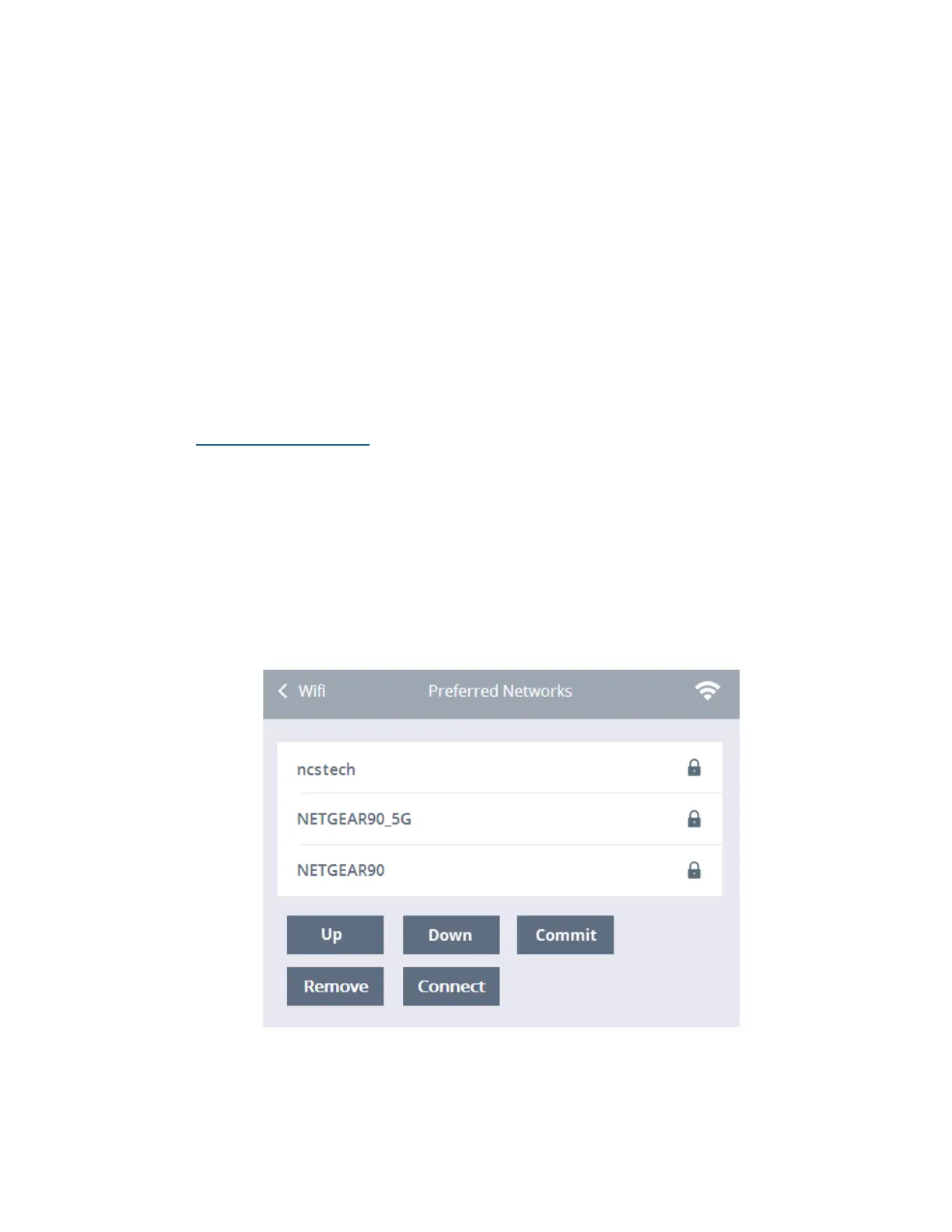
Preferred Networks
Your preferred wireless networks are shown in this list. You can remove or con-
nect to one of these networks by clicking on the chosen network and then either
clicking Remove or Connect.
To see your preferred networks:
1. Click the Network submenu.
2. Select WiFi.
3. Click Preferred Networks.



 To Next Page