58 Cirrus LT Plus User Manual v1.2 - Chapter 4
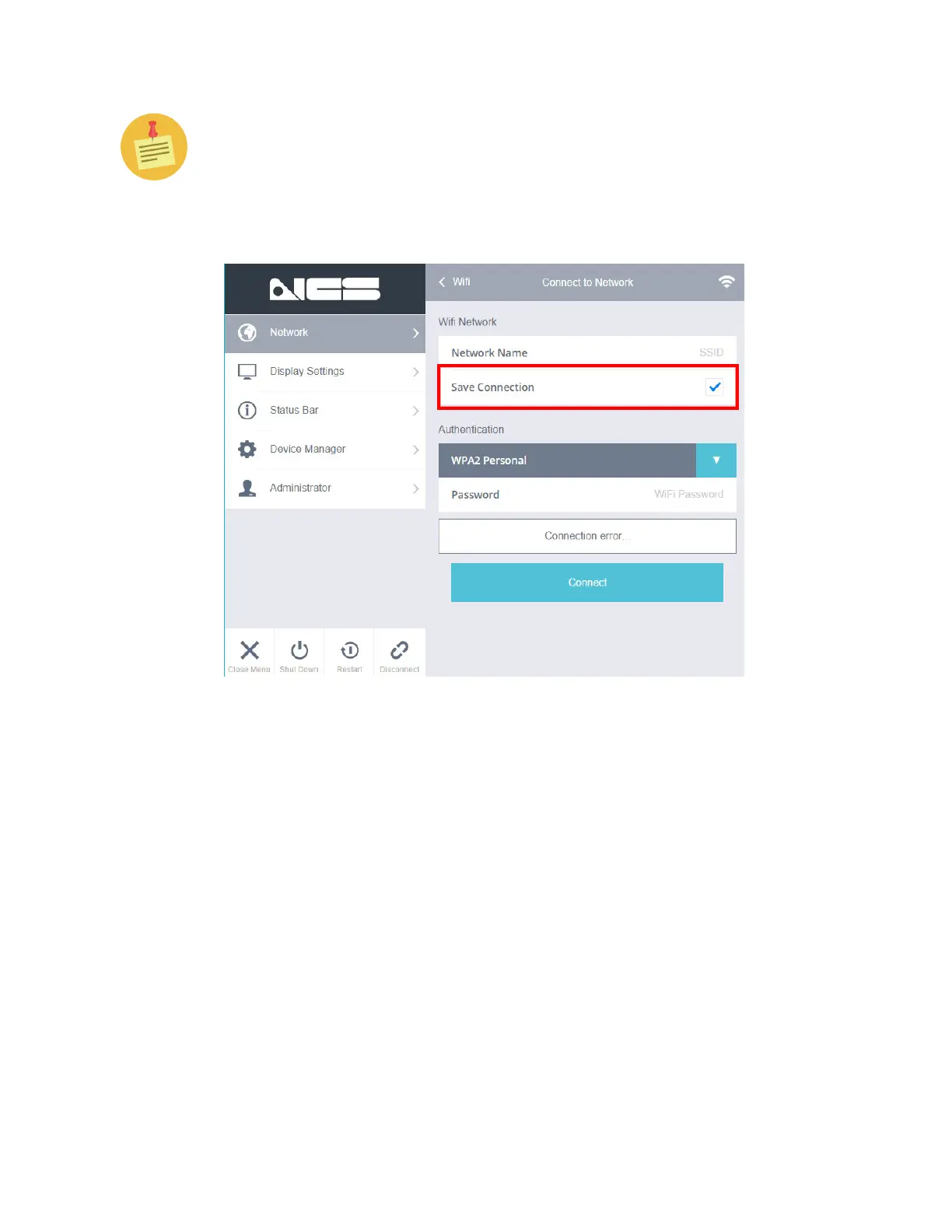
If for some reason this section is always blank, you need to enable “Allow
Saving WiFi Password” in the System Admin Section. This will add a new
check box when signing onto WiFi networks labeled “Save”. By checking this
check box you will be adding this WiFi network as a preferred network. If
you would also like to auto connect to that network, you must select the auto
connect check box in the WiFi Networking Menu.



 To Next Page