5.2 Menu Composition
DP Series/DP Series Type R
225
5.2.5 System Menus
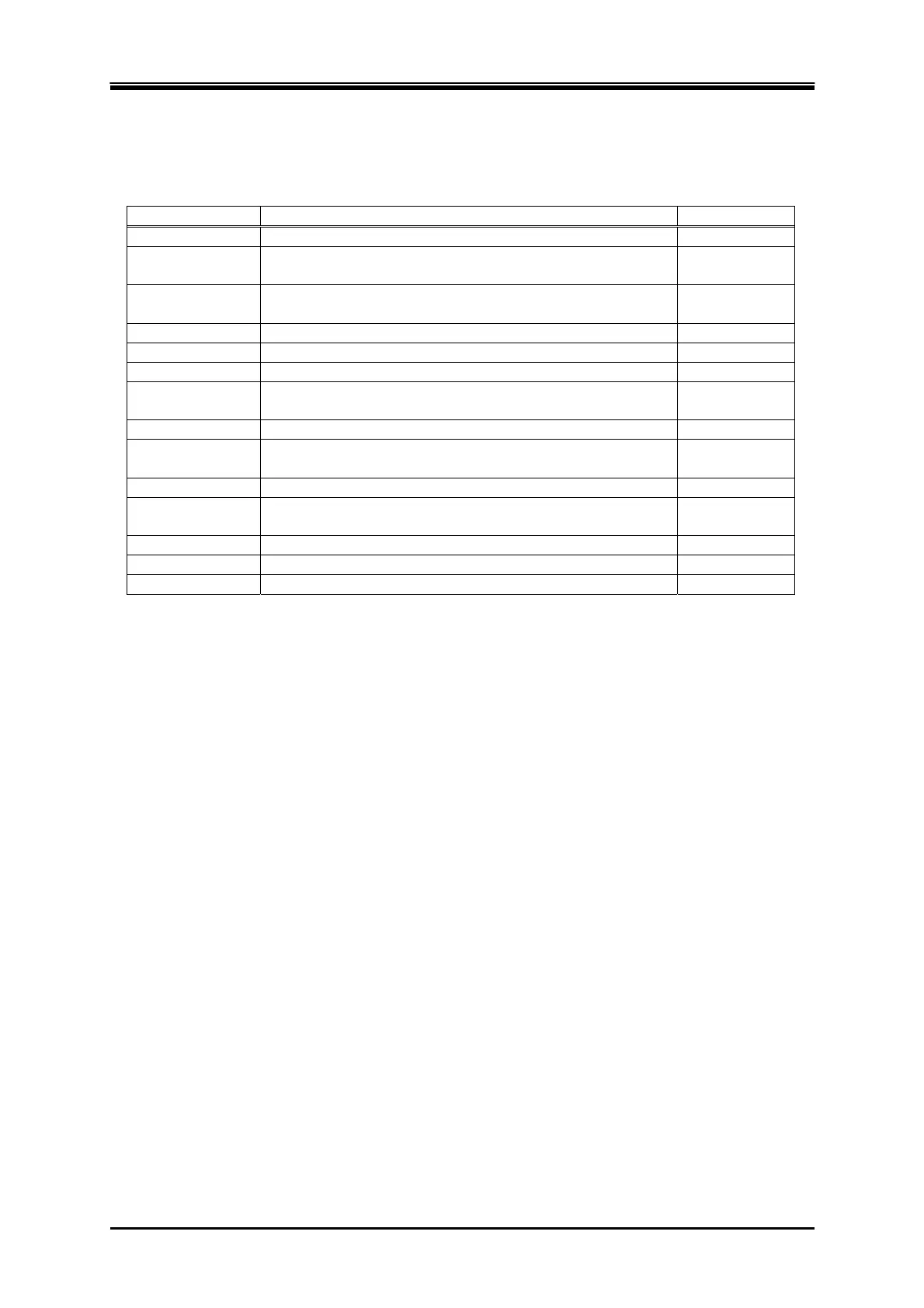
The System menus are shown in Table 5-9.
Table 5-9 System Menus
Menu Description Refer to
Reset Resets the system.
4.28
PwOn Mode Selects the output function
(Continuous/Sequence/Simulation) at power-on.
4.2.10,
4.3.10
PwON Output Enables/disables the function to turn on the output at
power-on.
4.22
Beep Turns the beep sound on or off.
4.26
LCD Sets the screen color and the contrast.
4.27
Monitor Makes the Monitor function settings.
4.10
Ext Control Switches the control by the external control function to
Enable/Disable/DevCtrl.
4.18
Remote Makes the communication interface settings.
6.1
Relay Cntrl Enables/disables the output relay to coordinate with the
output on/off.
4.21
USB Eject Disconnects the USB memory before removing it.
4.9
Trig Out Makes the trigger output settings in the Sequence and the
Simulation.
4.2,4.3
PU-ON Makes the power unit energization settings.
4.24
Information Displays the system information.
9.4
ExtOut Pol Specifies the external control state output polarity.
4.18.1



 To Next Page