3. Basic Operation
PROGRAMMABLE AC POWER SOURCE
46
3.2.2 Set the Output Phase Configuration (Multi-phase model Only)
Operation procedure
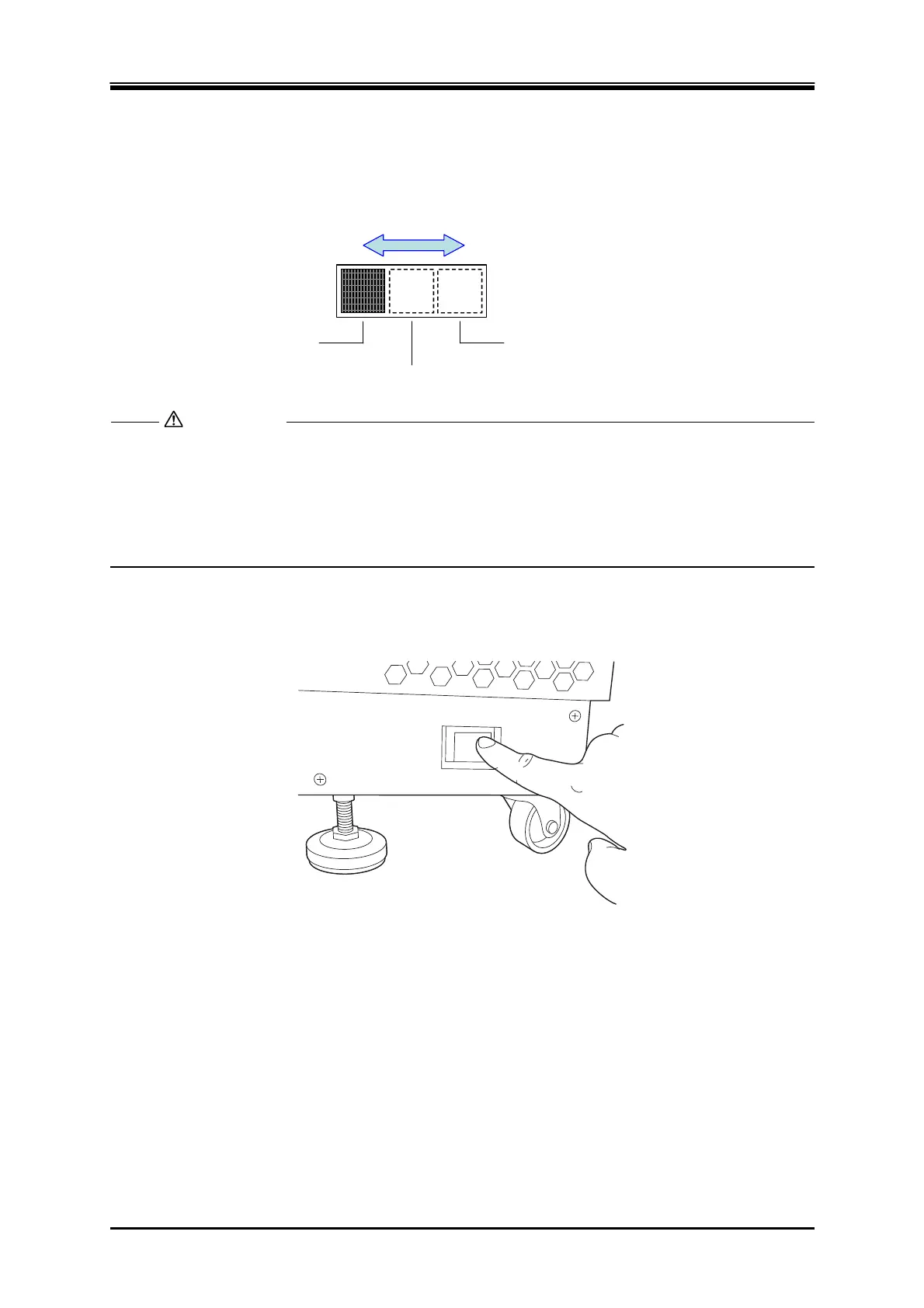
Switch the phase configuration setting switch in the power off state depending on the output phase
configuration.
1φ2W
1φ3W
3φ4W
スイッチをスライドさせて設定する。
Set the switch by sliding it.
Ensure that the power is off when you switch the phase configuration setting switch. If the
power is on when you switch the phase configuration setting switch, the output phase
configuration will not be switched. Also, this operation does not affect the behaviors of the
product. If you move the phase configuration setting switch by mistake in the power on
state, be sure to move it back to the original position. Otherwise the product starts up in
unexpected output phase configuration when at power-on next time.
3.2.3 Power On
POWER
OFF ON
Press "On" side of the power switch. If you configured a polyphase system, all cabinets need to be
turned on within 20 seconds while the order does not matter.
CAUTION



 To Next Page