2. Preparation before Use
PROGRAMMABLE AC POWER SOURCE
34
When closing the control panel, pull the lever and press down on the panel slowly in order to
avoid pinching your fingers.
2.7 Simple Operation Check
This section describes how to perform a simple operation check when you purchased a new product,
or after storing the product for a long period. This check should be performed without load. For a
polyphase system, remove the System Cable, and check the single-phase output for each cabinet. If
you are not satisfied with the results verified at the operation check, please request the repair to us or
our agent.
Operation procedure
1.
Connect the power supply referring to "
2.4 Grounding and Power Connections
."
2.
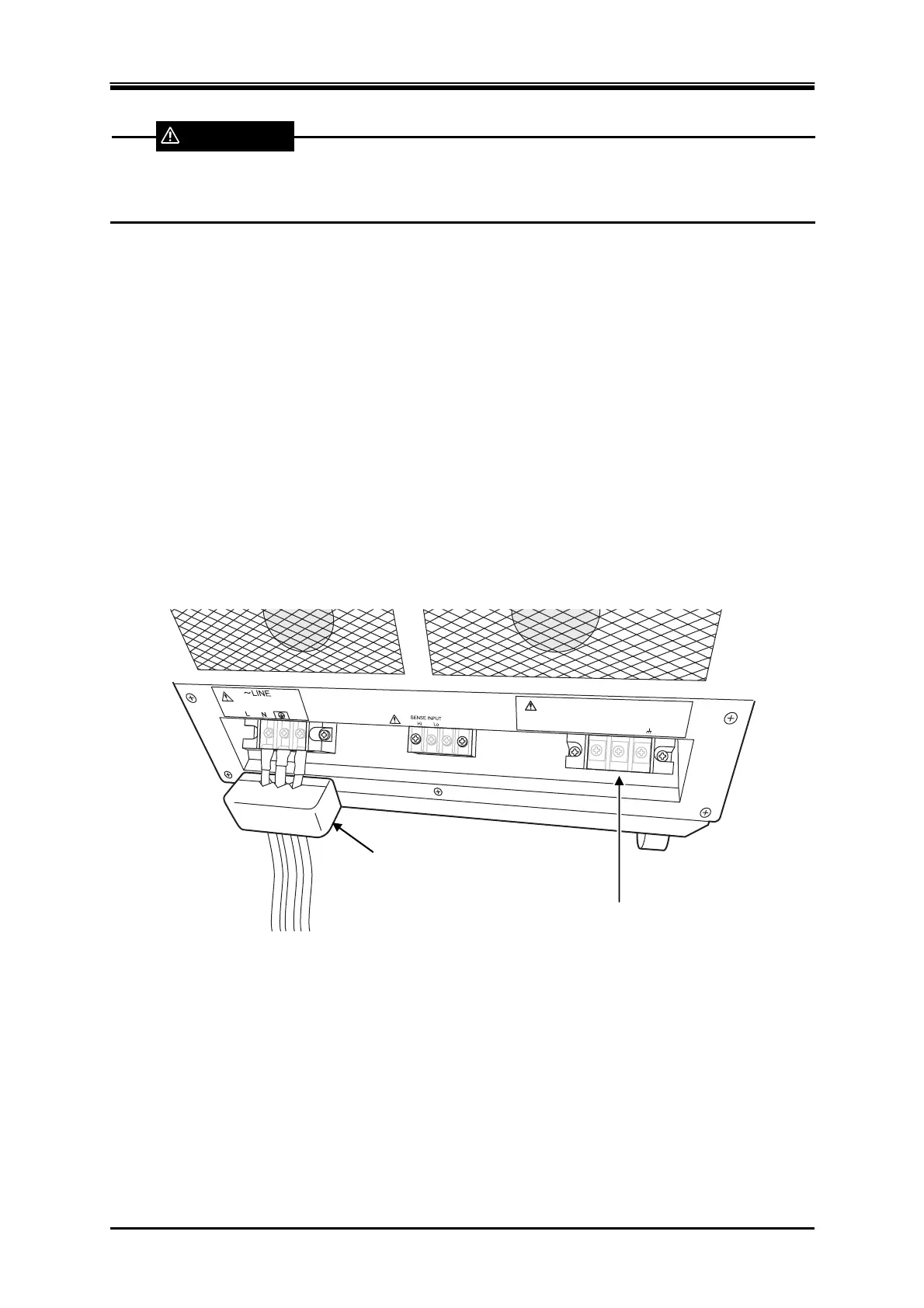
Attach the resin-molded output terminal cover without connecting anything to the output
terminals or any other terminal/connector.
OUTPUT
Hi
Lo
Nothing is connected to
the output terminal.
Using cable holder (option)
WARNING



 To Next Page