2.8 Calibration
DP Series/DP Series Type R
37
9.
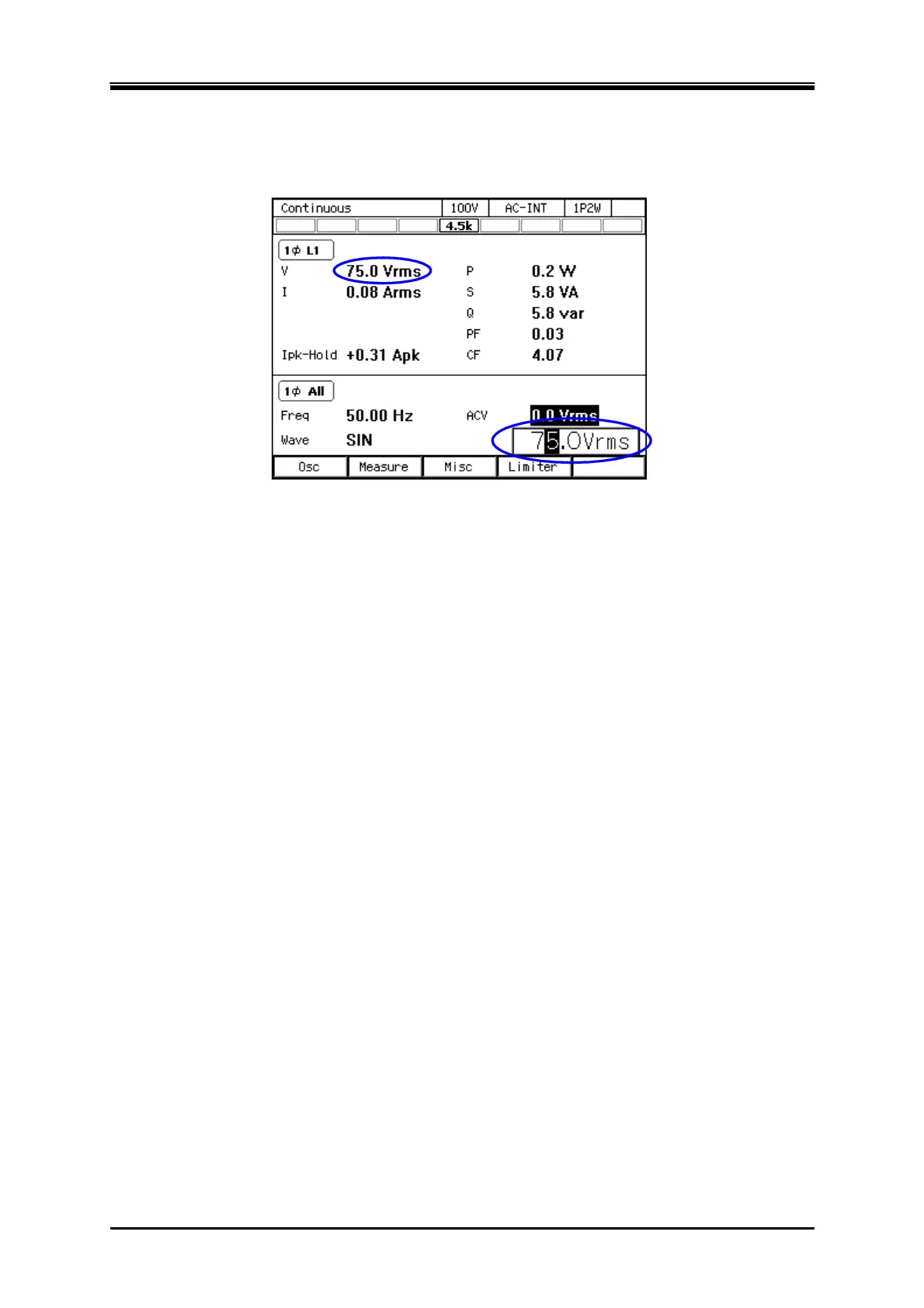
Press the OUTPUT key to turn the output on. Press the V key to open the numerical entry box
for AC voltage (ACV). Raise the AC voltage setting value gradually by using the jog, shuttle,
arrow keys, and numeric keypad.
2.8 Calibration
When the product needs calibration, contact us or our agent.



 To Next Page