6.1 Communication Interface
DP Series/DP Series Type R
233
-------- Notes ------------------------------------------------------------------------------------------------------------
Avoid use in a place under electrically noisy environment.
Turn off this product and the computer before connecting or disconnecting the cable.
Binary transmission is not supported.
-----------------------------------------------------------------------------------------------------------------------------
6.1.3 GPIB
This product is compliant with the GPIB IEEE Standard 488.1-1987. The GPIB-based remote
control is available. For the interface specifications, see 10.27.
Operation procedure
1.
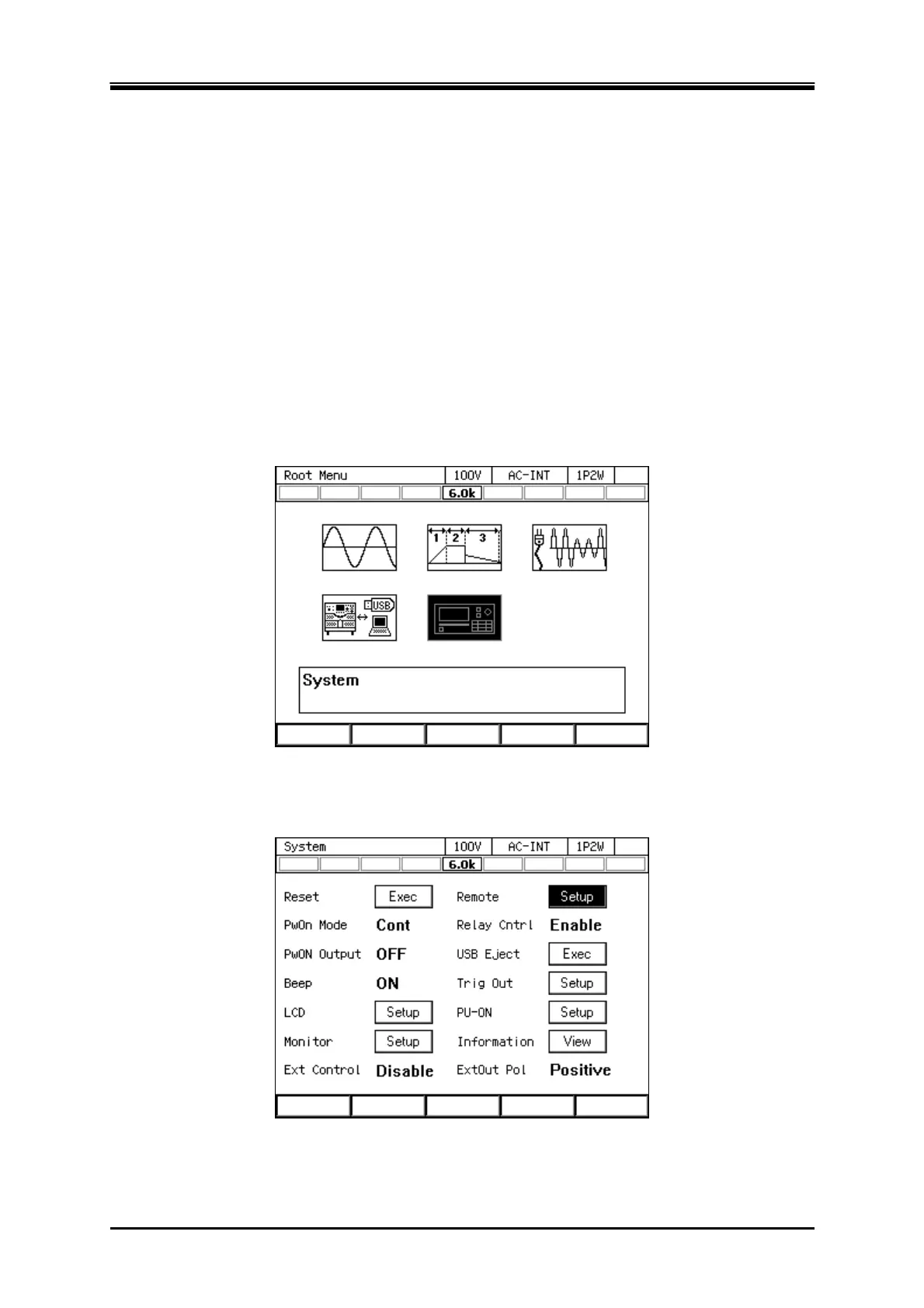
Press the MENU key to move to the root menu, then select [System]. The system setting
window opens.
2.
Put the cursor on [Setup] next to the [Remote] item, then press the ENTER key. The remote
setting window opens.



 To Next Page