4. Advanced Operation
PROGRAMMABLE AC POWER SOURCE
212
3.
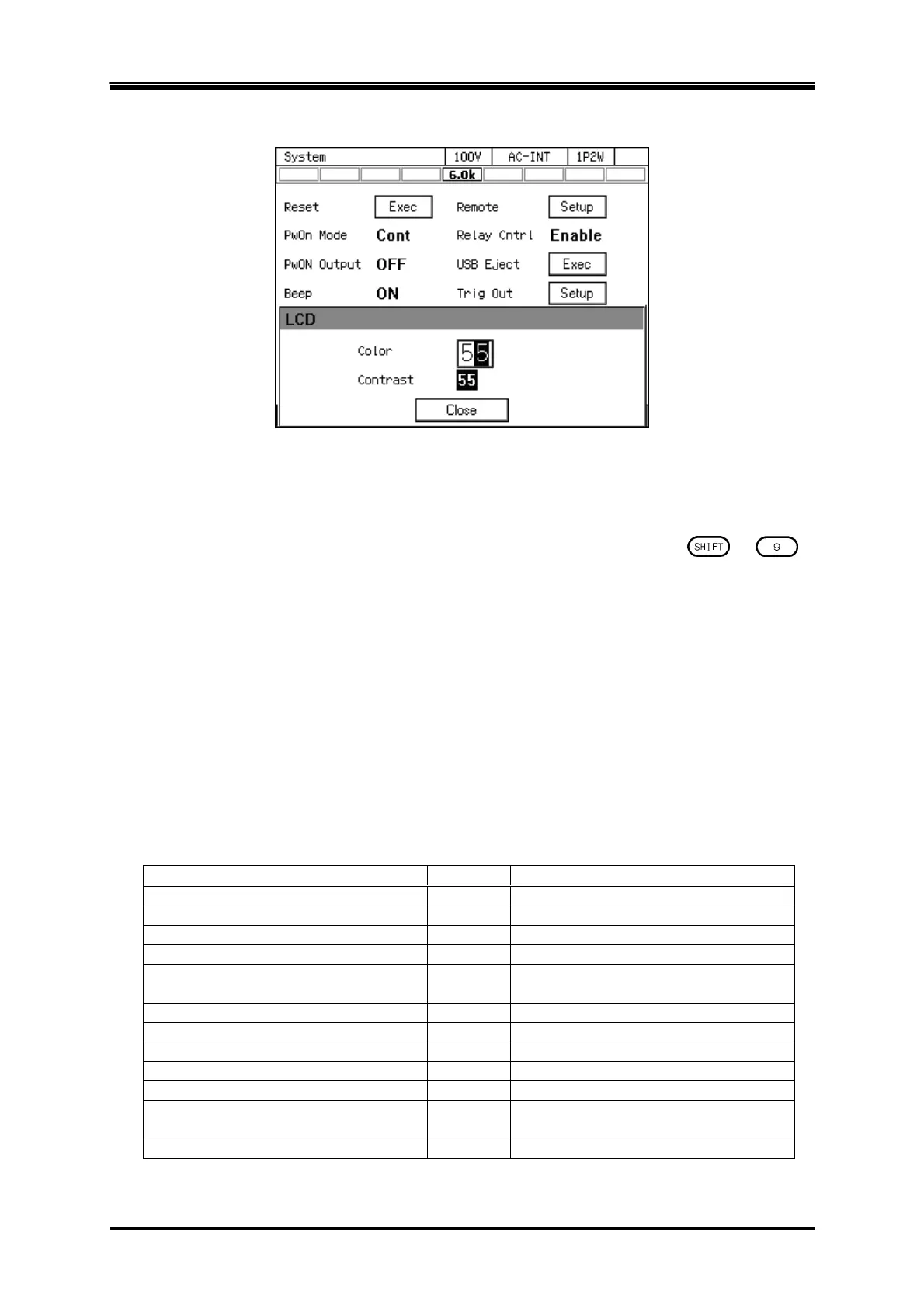
In the [Contrast] item, set the contrast value.
4.
Close the window.
-------- Notes ------------------------------------------------------------------------------------------------------------
The L2 and L3 cabinets in a polyphase system accept the Shortcut operation
+
for this function. In this case, if other window such as the Emission CO
2
Calculator window is
being displayed, that window closes and the window for adjusting LCD opens only on the
cabinet on which you performed the operation. To open the previous window after adjusting
LCD, close the window displayed in the L1 cabinet and reopen it.
-----------------------------------------------------------------------------------------------------------------------------
4.28 Restoring to the Factory Default Setting (Reset)
If you reset this product, the setting items marked with in Table 4-16 are restored to the factory
default settings. Ensure that you reset this product in the output off state.
Table 4-16 Setting Items to be Reset
Setting Item Reset Factory default setting
Output on/off × Off
Output range
100 V range
AC/DC mode
AC mode
Signal source
INT
External synchronization signal (LINE
or EXT)
LINE
AC voltage setting
0 V
Frequency
50 Hz
Output waveform
Sine wave
Output on phase
0.0 deg
Output off phase
Enabled, 0.0 deg
Phase voltage/Line voltage setting
selection
Phase voltage
Line voltage setting
0 V



 To Next Page