3.4 Using the Continuous Function
DP Series/DP Series Type R
59
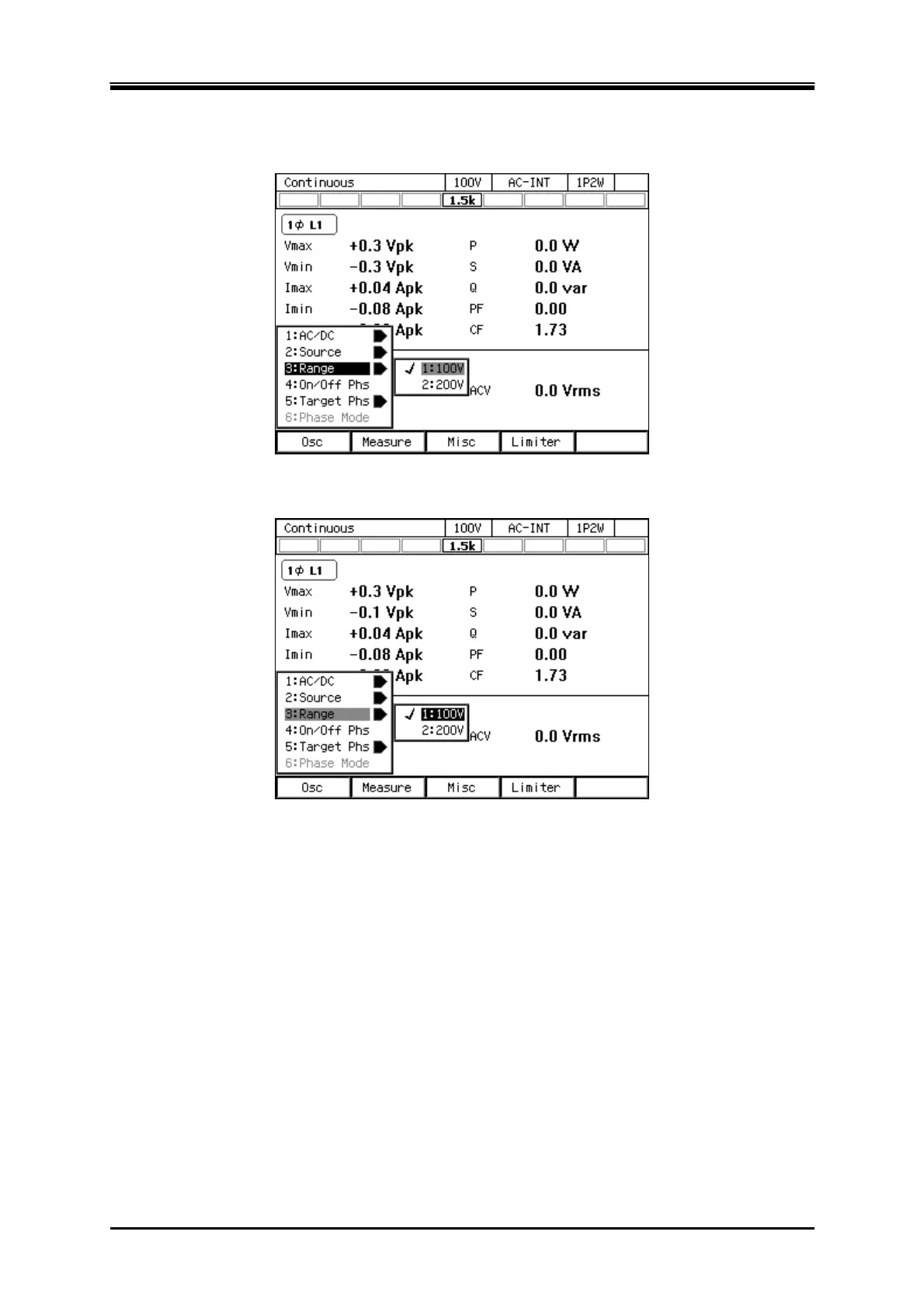
Operation procedures using soft-keys
1.
Press the [Osc] soft-key and select [3:Range].
2.
In the displayed selection box, select the desired output range.
Operation procedures using the RANGE key
The range is toggled between 100 V range and 200 V range every time you press the RANGE key.
3.4.3 Setting Waveforms
You can select a waveform of the internal signal source from sine wave (SIN), clipped sine wave
(CLP, three types available), and arbitrary waveform (ARB, 16 types available). See 4.6 for details
on the clipped sine wave, and 4.7 on the arbitrary waveform.



 To Next Page