3. Basic Operation
PROGRAMMABLE AC POWER SOURCE
62
-------- Notes ------------------------------------------------------------------------------------------------------------
Set the RMS values for the voltages of the sine wave (SIN) and the clipped sine wave (CLP)
and the Peak-to-Peak value for the voltage of the arbitrary waveform (ARB).
-----------------------------------------------------------------------------------------------------------------------------
Operation procedures for setting the DC voltage
1.
Select the [DCV] item and then enter a numeric value. For how to enter values, see
3.3.5
.
3.4.5 Setting the Output Voltage (Polyphase Output)
This section describes the operations in the balanced mode in a polyphase model and a polyphase
system. In the balanced mode, the phase voltage and the line voltage are set for all phases at once.
To enter the balanced mode, select the [Osc] soft-key [6: Phase Mode] to open the phase mode set
window, and select [1:Balance] in the Mode item. For details on the unbalanced mode, see 4.15.
Operation procedures for setting the phase voltage
1.
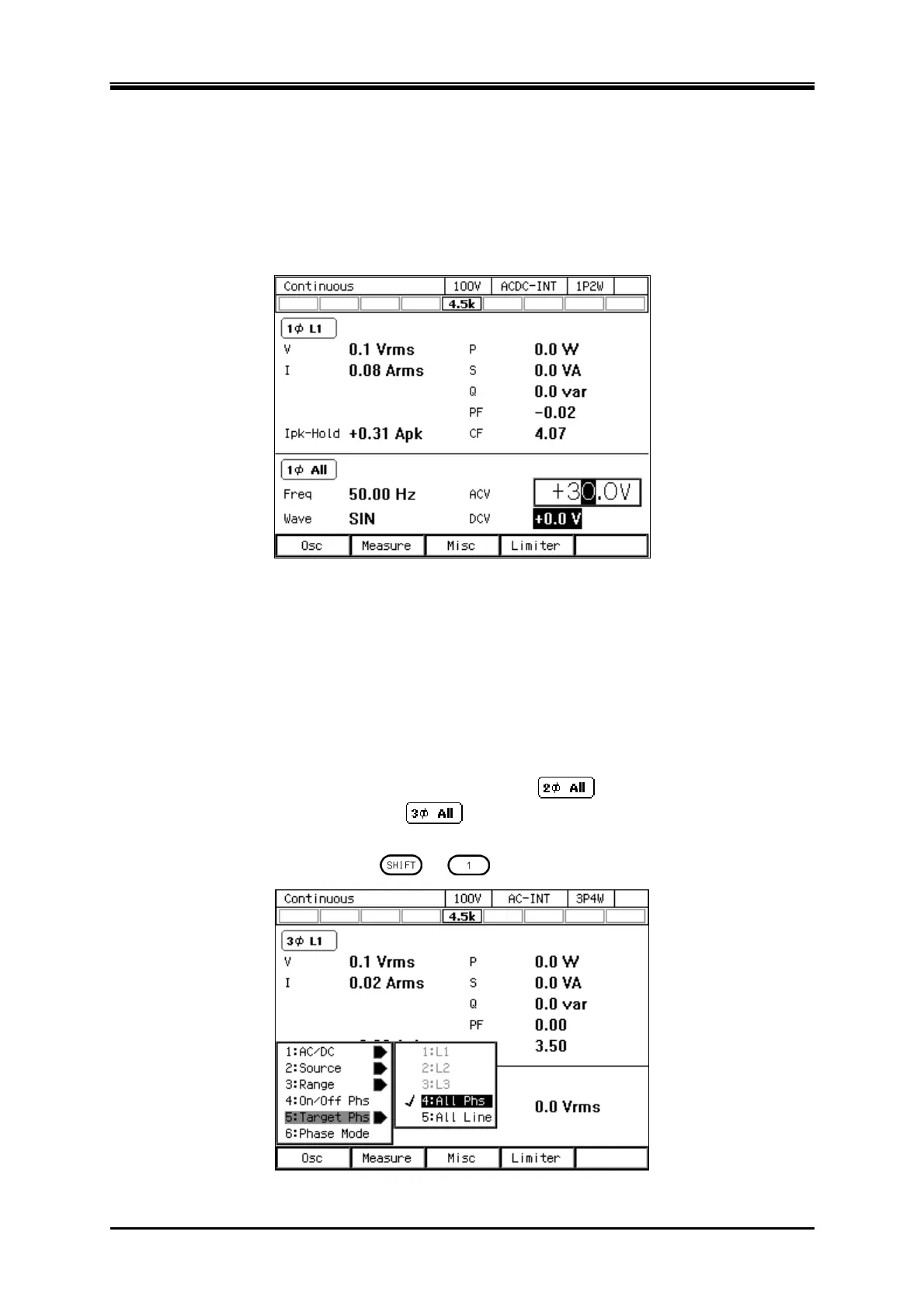
Check the icon in the output display area (see
5.1
) is
(single-phase three-wire model
or single-phase three-wire system)/
(three-phase model or three-phase system). If the
different icon is shown, press the [Osc] soft-key and select [5:Target Phs]
[4:All Phs]. Or
perform the Shortcut operation
+ to switch to [All Phs].



 To Next Page