3.4 Using the Continuous Function
DP Series/DP Series Type R
65
2.
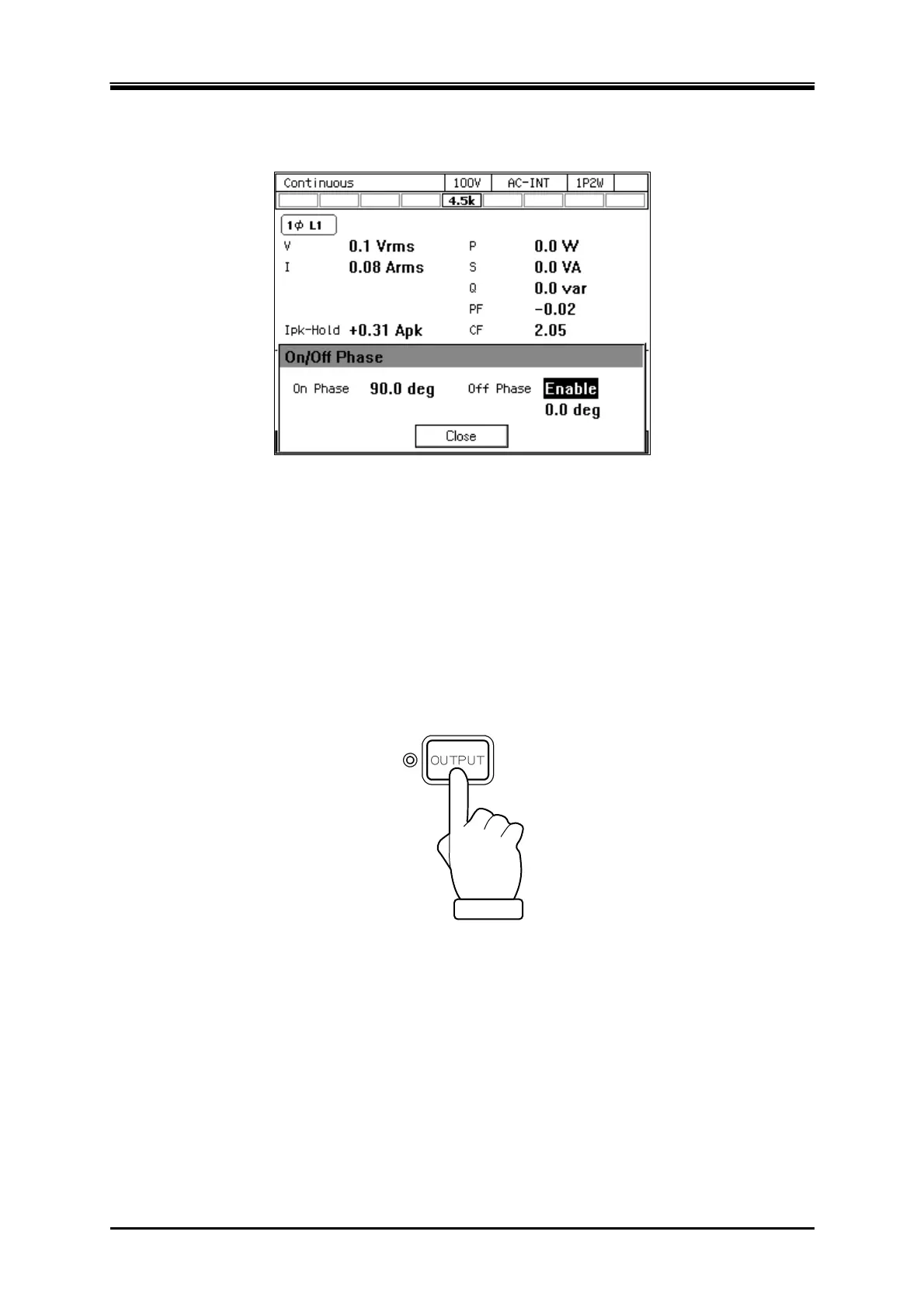
Set the on and off phase in the [On Phase] item and [Off Phase] item respectively. If you want
to disable the off phase, select [Disable].
3.
Close the window. For how to close the window, see
3.3.4
.
-------- Notes ------------------------------------------------------------------------------------------------------------
The output on/off phase setting is invalid for the Sequence and the Simulation.
-----------------------------------------------------------------------------------------------------------------------------
3.4.8 Turning the Output On or Off
Use the OUTPUT key to turn the output on or off. The OUTPUT LED illuminates in the output on
state.
-------- Notes ------------------------------------------------------------------------------------------------------------
For how to turn the output on or off rapidly, see 4.21.
-----------------------------------------------------------------------------------------------------------------------------



 To Next Page