4. Advanced Operation
PROGRAMMABLE AC POWER SOURCE
136
4.3.9 Clear/Rename Simulation
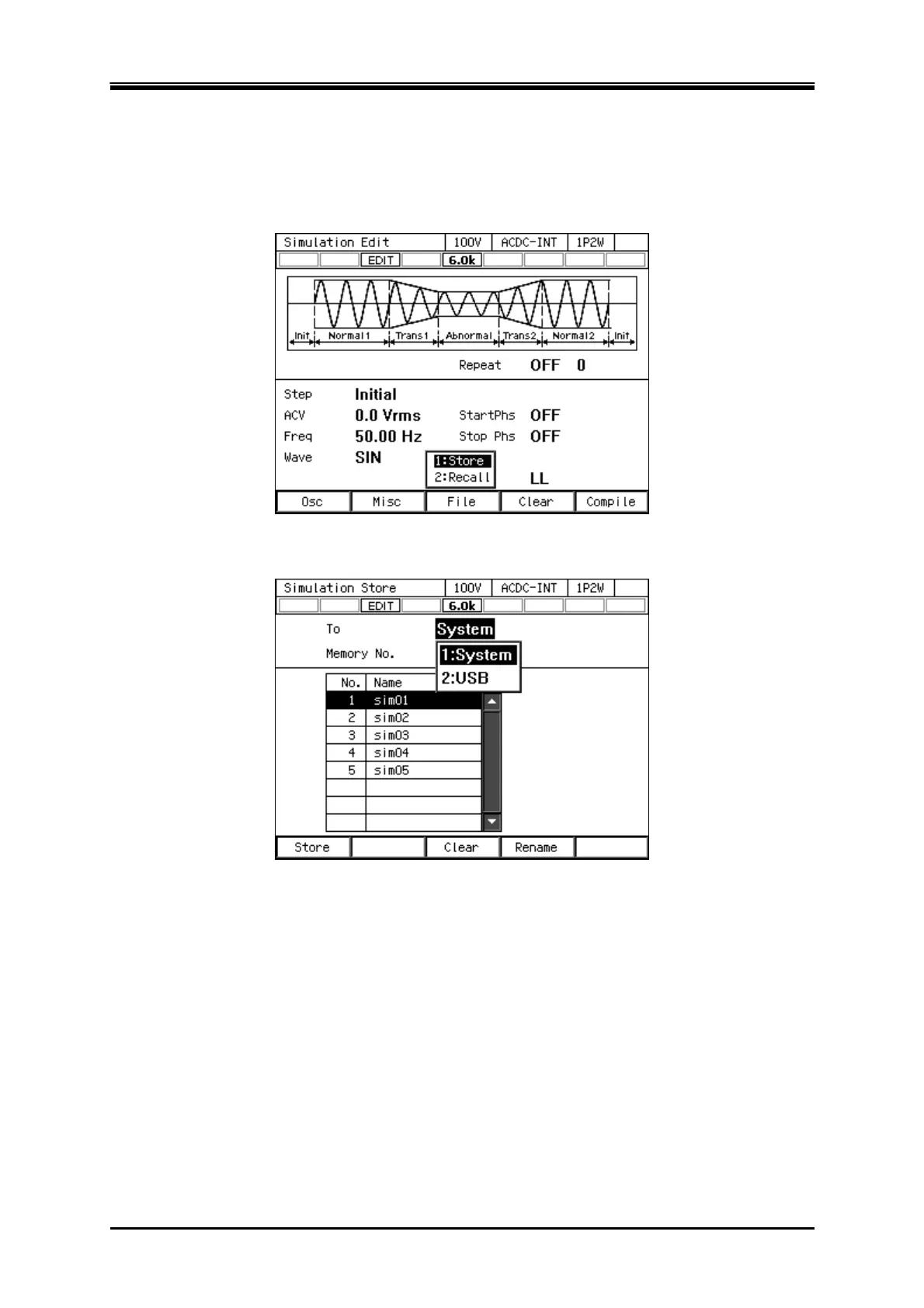
Clearing/renaming a simulation saved in internal memory
1.
In the Simulation Edit View, press the select the [File] soft-key - [1: Store]. The Simulation
Store View opens.
2.
In the [To] item, select [1: System].



 To Next Page